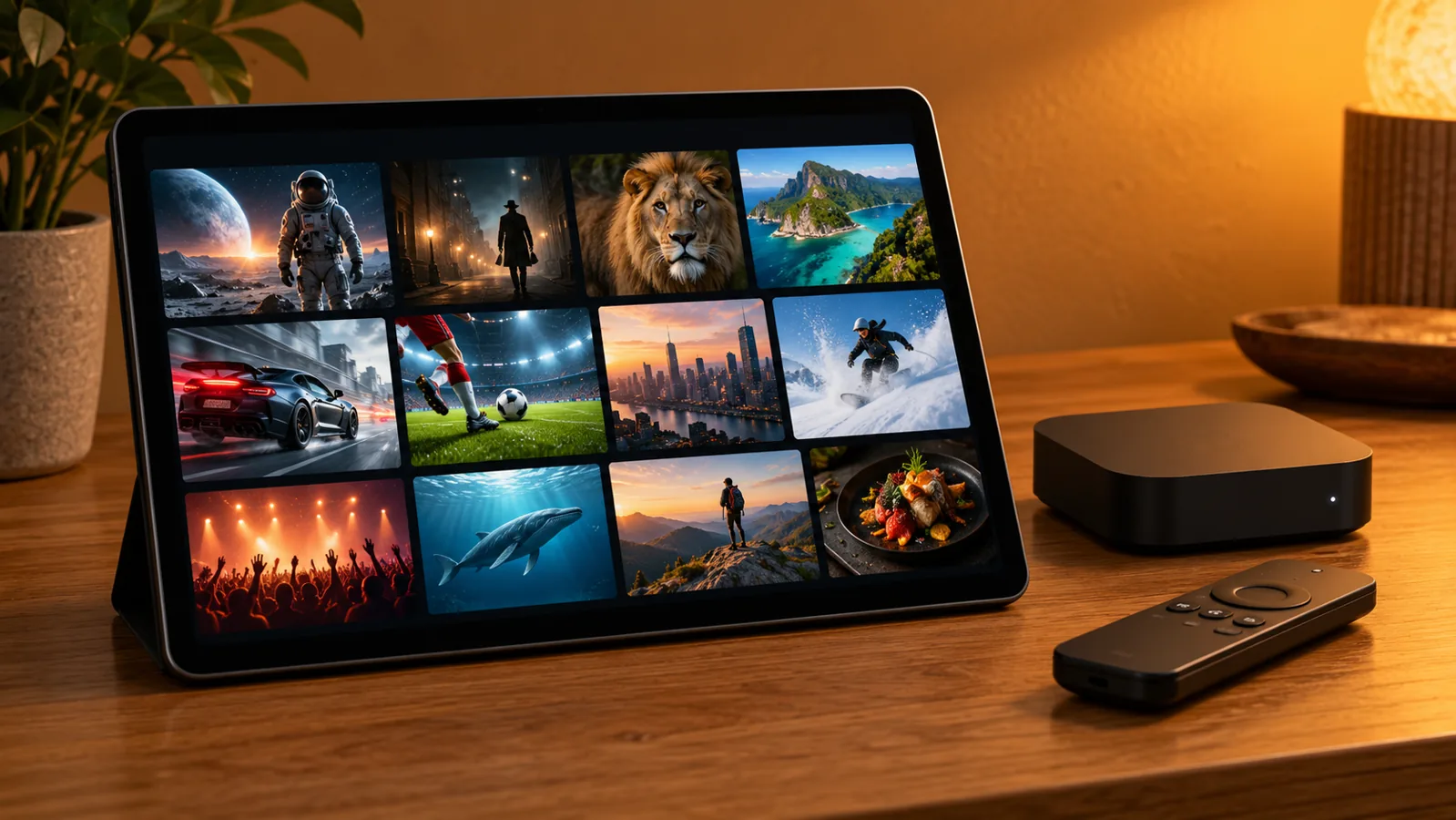
An IPTV app brings your subscription content onto the screen. GERIPTV4K helps you understand player options for televisions, streaming devices, phones and computers. Explore the examples below, then check the publisher’s current device support, accepted login method and any separate licence. Your player and IPTV subscription serve different purposes and may have separate payment conditions.
Match the player to your screen
A television player should be easy to navigate with a remote; a phone app should suit touch controls and a smaller display. Compare supported devices and the options you use, such as favourites, subtitles and audio tracks. App names alone do not establish compatibility with every operating-system version.
Use the correct subscription login method
Confirm whether your setup uses server details, a playlist URL or device activation. Follow the instructions for the player and enter the supplied address exactly. Keep usernames, passwords and playlist links private. If an app cannot accept the provided access method, check another compatible player before purchasing a licence.
Keep app licences and IPTV plans clear
Some players require a separate purchase or device licence managed by their publisher. That licence does not automatically include channels or extend your GERIPTV4K subscription. Review the current app conditions and your selected plan separately so you understand the total setup cost and renewal dates.
Choose your player
IPTV Smarters
Check player
TiviMate
Check player
IBO Player
Check player
SmartOne IPTV
Check player
XCIPTV Player
Check player
GSE Smart IPTV
Check player
BOB Player
Check player
HOT IPTV
Check player
OTT Navigator
Check player
VLC
Check player
Televizo
Check player
Flix IPTV
Check player
Player examples for orientation. Availability and login methods vary by device; some apps require a separate licence. Logos identify third-party players; GERIPTV4K is not affiliated with their publishers.
A CLEAR NEXT STEP
Keep these details ready.
A few useful details make choosing, setup and support easier.
✓Confirm your device supports the player
✓Check the accepted access method
✓Review any app licence or trial conditions
✓Install through the official app source for your device
Frequently asked questions
Does paying for a player include an IPTV plan?
Not automatically. A player licence and an IPTV subscription are different products. Check what each payment covers.
Are these apps part of GERIPTV4K?
No. The named apps belong to their respective publishers. Player licences and availability are separate from your GERIPTV4K subscription.