Find your IPTV setup for Smart TV, mobile or computer
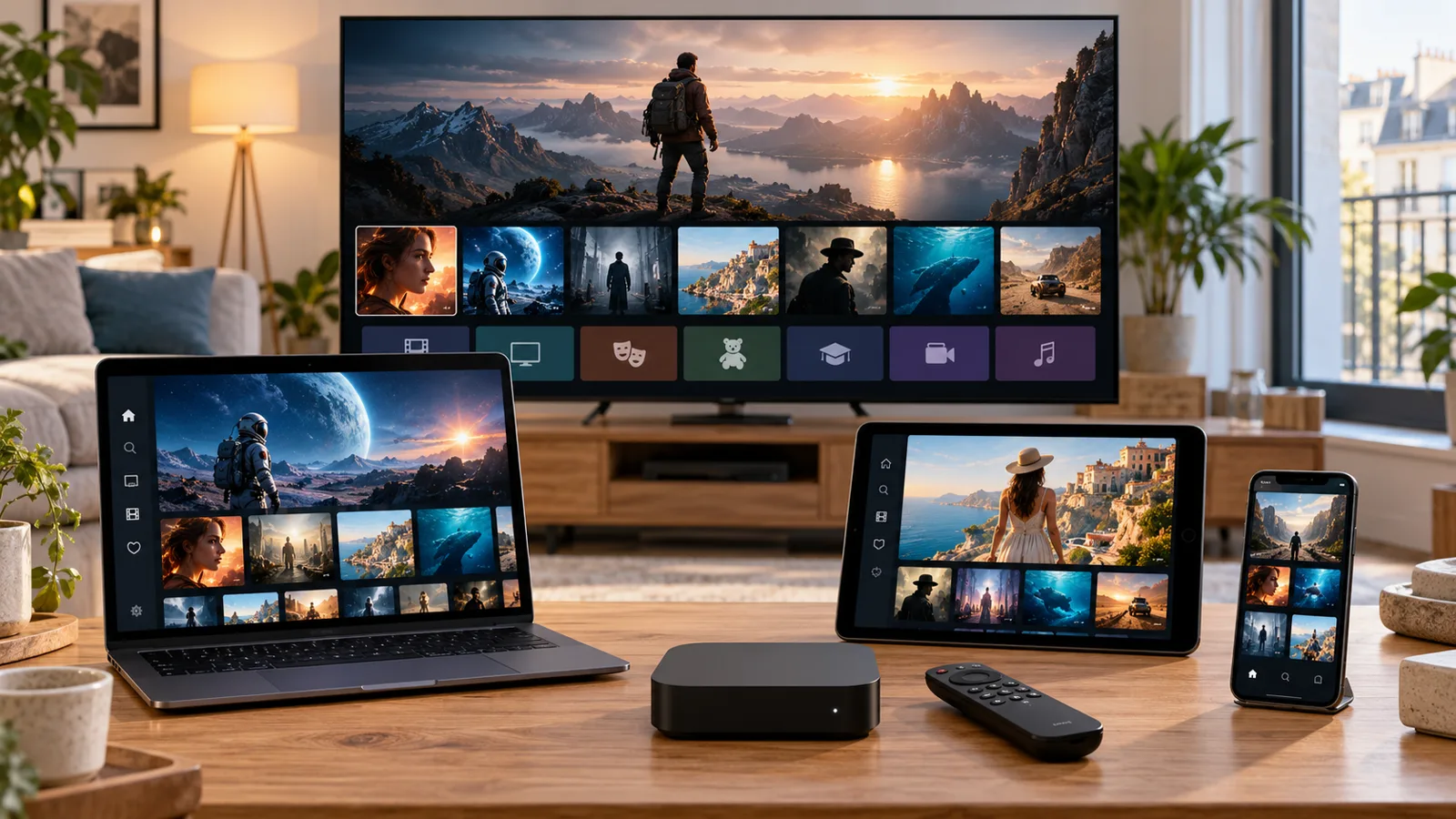
Start with the screen you enjoy using. GERIPTV4K provides device guidance for living-room televisions, streaming boxes, mobile devices and computers. Your exact model and operating system determine which players you can install. Check those details before choosing a subscription, then match a compatible app to the access method supplied for your setup.
Samsung, LG and other Smart TV models
Check your television model, year and operating system before selecting an IPTV app. Smart TVs from the same brand can support different players. If the app you need is unavailable, a compatible external streaming device may provide another route. Share the model number with GERIPTV4K for more specific setup guidance.
Android TV, Fire TV and streaming devices
A streaming box or stick can bring a remote-friendly player to a compatible HDMI television. Check the operating system, app availability and supported login method for your device. Install from an official source, keep the software updated and use a reliable home connection for everyday viewing.
Phones, tablets and Windows or Mac computers
Portable screens are useful for a different viewing space or a personal film session. Choose a compatible player, review Wi-Fi or mobile data use and test picture and sound on the device. Confirm your subscription connection allowance before another screen plays at the same time.
Find your screen
Smart TV
IPTV players for Samsung, LG & compatible Smart TVs
Android TV
IPTV apps on Android TV & Google TV
Fire TV
IPTV setup for Amazon Fire TV & Fire TV Stick
iPhone & iPad
Watch with compatible IPTV apps on iPhone & iPad
Android mobile
Live TV, movies & series through Android IPTV players
Tablet
Enjoy IPTV on compatible Android tablets & iPad
Windows & Mac
IPTV playback on Windows PCs & Mac computers
Apple TV
IPTV players for your Apple TV and tvOS version
MAG box
Portal setup guidance for compatible MAG receivers
Enigma2
IPTV configuration for supported Enigma2 receivers
Cast device
Cast from supported IPTV apps to your TV
Streaming stick
Turn a compatible HDMI screen into an IPTV setup
Device names are a starting point. Check your model, operating system and suitable player before ordering.
A CLEAR NEXT STEP
Keep these details ready.
A few useful details make choosing, setup and support easier.
✓Exact device model and operating system
✓Player name and version, if already installed
✓Connection type: Wi-Fi or Ethernet
✓How many screens you want to use at once
Frequently asked questions
Does a streaming box help with an older TV?
A compatible external device can offer another setup path, but check the TV input, box model and available player before buying equipment.
Can I cast from my phone?
Casting depends on the player, receiver and content support. Confirm the specific combination rather than assuming every IPTV app can cast.