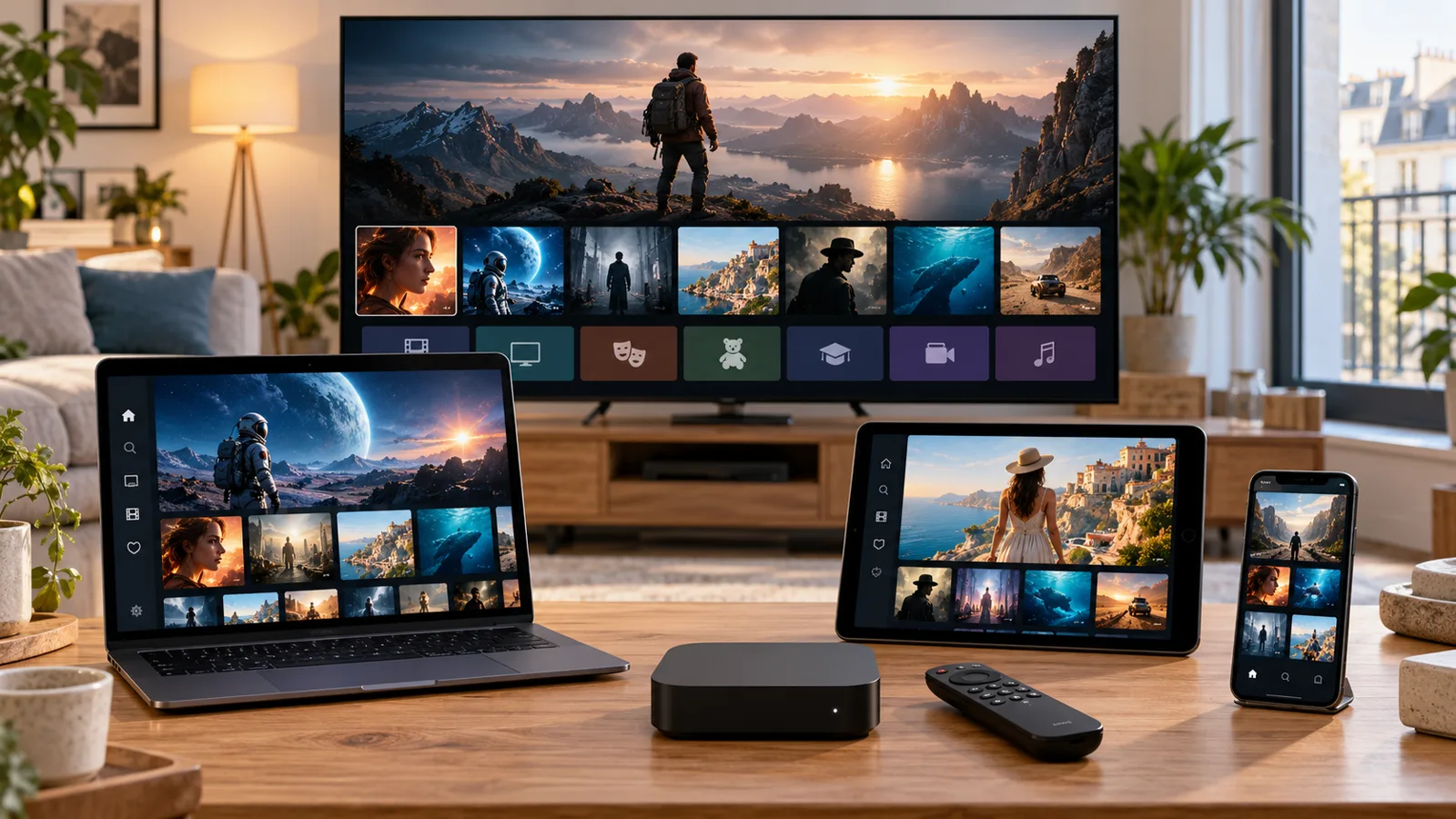
Your device model is the first detail to check. A Smart TV, streaming box, phone or computer can use different operating systems and players, even when the product names look similar. Before ordering, identify the exact model and available app store, then confirm a suitable player and supported access method. The device categories below help you describe your setup; they are not a guarantee that every model supports every app.
Identify the model, not just the brand
Find the model name in your device settings or on its product label. Include the operating system and the player you already have, if any. Smart TVs from the same brand can run different systems, so these details make compatibility guidance more accurate.
Prepare a stable home connection
Use Ethernet when your device supports it and the cable route is practical. For Wi-Fi, avoid weak-signal locations and test close to the router. Keep your device and player updated, and compare playback with other bandwidth-heavy apps paused.
Test before moving to more screens
Start with one device and check picture, sound and guide display. Once the first setup works, check the allowed simultaneous connections before adding another active screen. Keep your access details private and avoid posting screenshots that reveal passwords or playlist URLs.
Find your screen
Smart TV
Samsung, LG & other TV systems
Android TV
TV boxes & Google TV screens
Fire TV
Streaming sticks & TV devices
iPhone & iPad
Mobile viewing on iOS
Android mobile
Phones & mobile players
Tablet
A portable entertainment screen
Windows & Mac
Desktop & laptop setups
Apple TV
Check your player compatibility
MAG box
Confirm your model before ordering
Enigma2
Receiver setup on request
Cast device
Confirm casting support first
Streaming stick
Compact setup for your TV
Device names are a starting point. Check your model, operating system and suitable player before ordering.
A CLEAR NEXT STEP
Keep these details ready.
A few useful details make choosing, setup and support easier.
✓Exact device model and operating system
✓Player name and version, if already installed
✓Connection type: Wi-Fi or Ethernet
✓How many screens you want to use at once
Frequently asked questions
Does a streaming box help with an older TV?
A compatible external device can offer another setup path, but check the TV input, box model and available player before buying equipment.
Can I cast from my phone?
Casting depends on the player, receiver and content support. Confirm the specific combination rather than assuming every IPTV app can cast.