
October 6, 2026
IPTV Subscriptions and Apps: A Complete GERIPTV4K Guide

An IPTV subscription is only one part of a comfortable streaming setup. The programmes you want, the app you choose, the device you already own and the way your household watches all influence the experience. A plan that looks attractive on a price card still needs to match your languages, your screen and your expectations for live television, films and series.
This GERIPTV4K guide explains how to compare IPTV subscriptions and choose an IPTV player without confusing the two. It is written for viewers in Germany and across Europe who want a clear route from checking a package to opening their first stream. You will find practical questions about Standard and Premium, subscription durations, compatible devices, app activation, programme guides and everyday playback.
Start with the current GERIPTV4K subscription plans, then use this guide to decide what you need to confirm before ordering. A careful choice at the beginning makes installation and renewal easier later.

What is an IPTV subscription?
IPTV means Internet Protocol Television: television or video delivered through an internet connection. Instead of choosing a service solely around a traditional aerial or satellite receiver, you use a compatible device and a supported playback application to access the content supplied with your service.
The term describes a delivery method. It does not, by itself, tell you which channels are included, whether a particular film is available or which resolution you will receive. Those details belong to the selected subscription and the current content source. The right question is therefore not simply “Does this offer IPTV?” but “Does this subscription include the content and access conditions I need?”
A useful enquiry includes the programmes you watch regularly, your preferred audio languages and any subtitle requirements. If you follow live sport, identify the competition or event rather than assuming every sports channel is available. For series, ask about the title and season you want. A specific shortlist is more useful than a catalogue number that does not explain what you will actually watch.
At geriptv4k.com, the Channels page introduces viewing categories, while the plan page presents the subscription choices. Use them together: categories help describe your interests, and the selected plan determines the conditions you should confirm.
IPTV subscription and IPTV app: understand the difference
An IPTV subscription provides access to the service and content agreed with the provider. An IPTV app is the player you use to organise and open supported streams on your device. Installing a player does not automatically give you a GERIPTV4K subscription.
An app can also have its own activation or licence charge. That charge is separate from the price of your IPTV package unless you have explicitly agreed otherwise. A receipt for an app licence is not proof that your television subscription has been renewed. Equally, an active subscription does not automatically unlock every paid feature inside a player.
Think of your setup as three separate choices: the subscription, the player and the screen. The subscription needs the content you want. The player must support the access method you receive. The screen must be able to run that player and handle the stream. When those choices fit together, everyday viewing becomes easier to understand.
Before buying or activating an app, ask which version works with your exact device. Similar app names can refer to different products, and availability can differ between app stores and regions. Check the developer and device requirements rather than installing the first result with a familiar-looking name.
How to compare GERIPTV4K Standard and Premium
GERIPTV4K presents Standard and Premium as two subscription collections. The names help organise the choices; they should not replace checking the actual content and connection conditions. Choose the collection that fits your viewing priorities after confirming the relevant details.
Begin with your must-have programmes. Next, check the audio languages and subtitles you need. Finally, confirm your device, access method and permitted simultaneous streams. That sequence helps you compare the packages around real use instead of choosing on a label alone.
| Detail to compare | What to ask GERIPTV4K |
|---|---|
| Live television | Are my preferred channels currently included in this collection? |
| Films and series | Are the titles, seasons and languages I want available? |
| Picture quality | What source quality is available for the programmes I watch? |
| Devices and apps | Does this collection work with my device and intended player? |
| Concurrent viewing | How many streams may run at the same time? |
| Duration and renewal | What is the total price, start date and renewal process? |
Do not assume that Premium guarantees a specific channel, a permanent title library or 4K on every stream. Confirm the differences that matter to your household. If your requirements are simple, a clearly understood Standard option may be more suitable than a package chosen for its name. If another collection better matches your confirmed needs, compare that option on the same checklist.
Choosing one, three, six or twelve months
GERIPTV4K offers duration choices of one, three, six and twelve months. Your decision should reflect how confident you are in your setup and how long you expect to use it. A first installation and an established household do not necessarily need the same starting duration.
A shorter duration can give you a manageable starting point while you learn your player and confirm your viewing routine. A longer duration may suit a setup you already understand. Either way, check the total price and the applicable conditions before deciding. Do not assume that a longer option is discounted unless the current pricing actually shows that.
Read the price card carefully. A displayed package price is the total for the selected duration, rather than an invitation to assume a monthly instalment. If the card asks you to request a price, obtain the current quote first. Also check any separate player licence, additional connection arrangement or other agreed charge.
Before renewing, review your needs again. You may have changed your television, added a streaming box or started watching different languages. Renewal is a useful moment to confirm that the same collection and connection allowance still fit your household.
IPTV apps: choose for your device and viewing routine
There is no single player that is automatically the best choice for every television, phone and computer. An app that feels comfortable with a remote may not be the one you prefer on a touchscreen. Start with compatibility, then compare the interface and the features you will actually use.
TiviMate
TiviMate is an IPTV player rather than a source of included television content. If you are considering it, confirm that the available version supports your device and the access method supplied with your subscription. Check the current player terms separately from your GERIPTV4K package.
When comparing a television player, try everyday actions: finding a channel, moving between categories, opening the guide and returning to favourites. A neat first screen is useful, but comfortable navigation during a normal evening matters more.
IBO Player
IBO Player is another player example to discuss when checking your setup. Its app activation and your IPTV subscription are separate matters. The player does not supply a GERIPTV4K channel collection simply because it has been activated.
Follow the instructions associated with the exact app you install. Where a player uses device identifiers or a playlist management page, check that you are following that app's own instructions. Keep playlist links and login details private, and ask for help if you are uncertain which field should receive them.
VLC
VLC is a general media player that supports network playback. It can be useful on a computer when you have a compatible stream or playlist, but your ability to open content still depends on the supplied access method and source.
A general media player may suit occasional desktop viewing or a playback check. For a living-room setup, compare the remote navigation and programme organisation you want. The right choice is the player that fits the device and the viewing task, not simply the one you have used before.
IPTV Smarters and other player options
You may also encounter IPTV Smarters and other IPTV player names while choosing an app. Treat the name as the start of a compatibility check. Confirm the exact application, developer, operating system and supported login method before installing or paying for activation.
The GERIPTV4K Apps page gives you player examples to discuss. It is not a promise that every app is available on every device. Ask about your intended combination before you order, especially if you are using an older television or a less common receiver.
App features that are worth checking
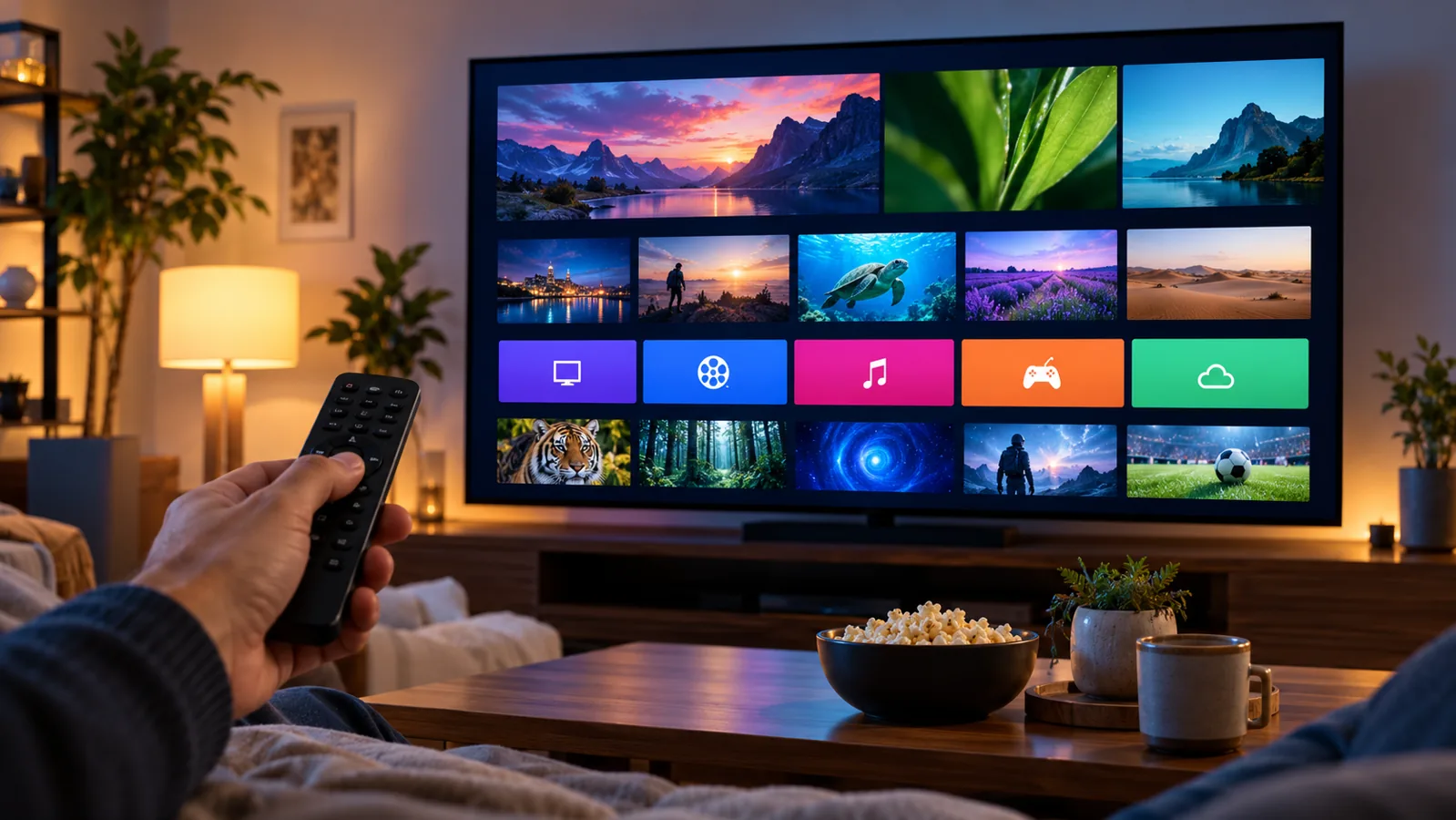
A useful app comparison starts with the actions you repeat. Can you find your favourites easily? Is the text readable from the sofa? Does the remote behave as expected? Can you choose an available audio track without searching through several menus?
An electronic programme guide, often called an EPG, helps you see programme information. Its usefulness depends on the guide data supplied and how the player handles it. A polished guide layout cannot fill in information that the source does not provide. Check your time zone and inspect a few familiar channels after setup.
Audio and subtitles deserve separate checks. A film can have several audio tracks without subtitles in your preferred language, or the reverse. Test the language options inside the actual player on your device. Do not assume that a category labelled with a country means every title has that country's audio.
Favourites can reduce everyday searching. Keep a small list of the channels you watch most, then organise other categories only if the player supports the arrangement you want. For family viewing, look at the parental controls offered by the app and review them on each device you use.
Recording and replay are also separate questions. Confirm both the player's feature and the subscription's relevant source support before relying on them. App functionality alone does not establish that every programme can be recorded or replayed.
Choosing a screen: Smart TV, box, mobile or computer
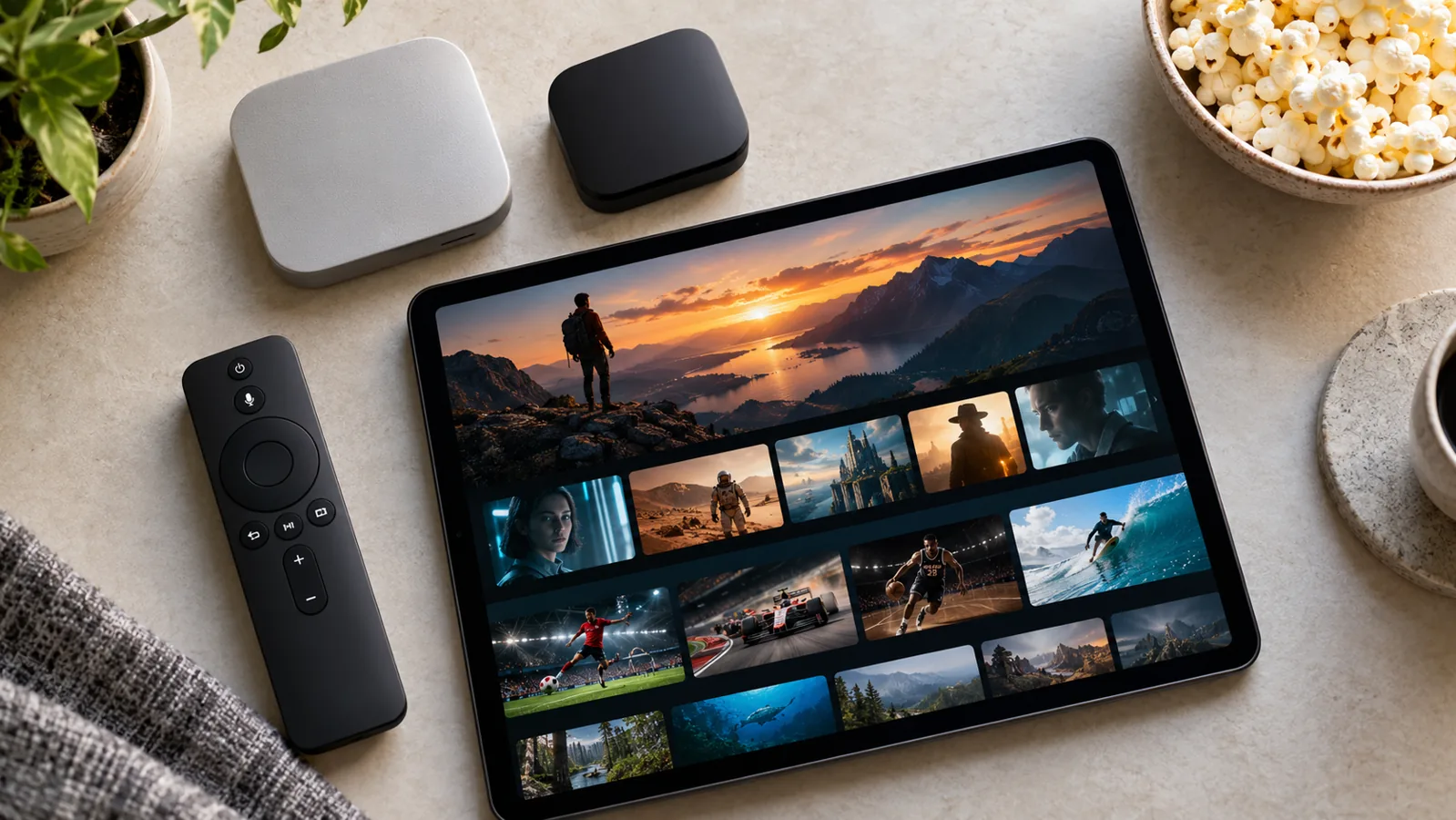
The best starting device is often the one you already enjoy using, provided a compatible player is available. A Smart TV can keep the living-room arrangement simple. A streaming box or stick can offer another route when the television's built-in app selection does not suit your needs.
For phones and tablets, consider how you watch rather than treating them as smaller televisions. Touch navigation, screen orientation, battery use and network changes all influence the experience. If you use mobile data, video playback can consume your allowance quickly; check your mobile plan and connection conditions before a long session.
On a computer, compare the available player with your usual viewing habits. Occasional playback at a desk has different needs from a television operated entirely by remote. The operating system and player version still matter, even when the device itself is powerful.
Send your exact model when asking about compatibility. “Smart TV” does not identify the operating system, model year or available store. The same applies to a streaming stick, receiver or tablet. The Devices page helps you describe your setup, but model-specific confirmation remains the useful next step.
Installed devices and simultaneous streams are different
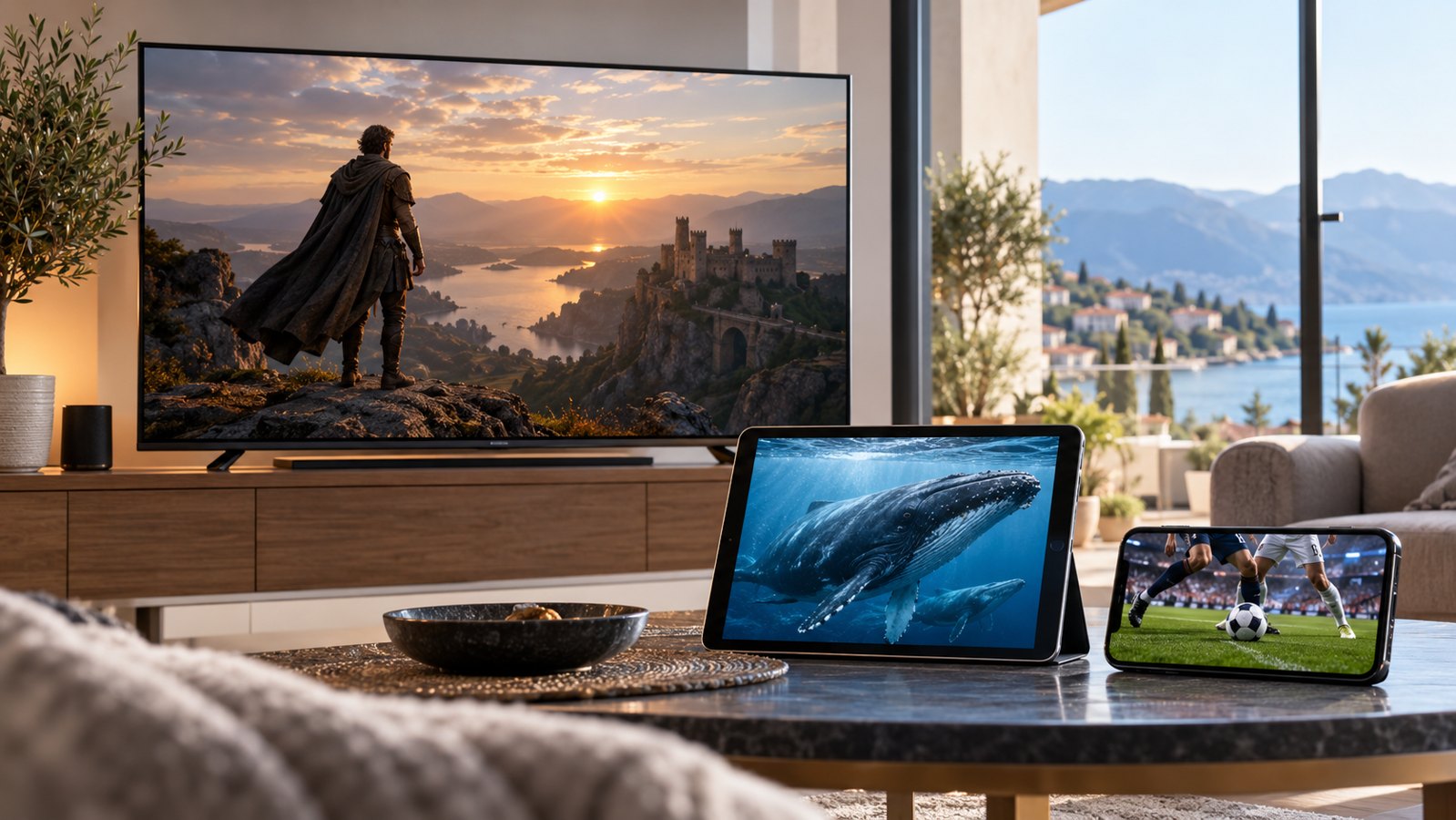
Installing an app on several screens does not automatically permit viewing on all of them at once. The number of concurrent streams is a subscription condition that should be confirmed for the selected package.
Picture a household that uses a television in the evening and a tablet at another time. That pattern is different from two people watching separate streams simultaneously. Explain your actual routine when you ask about connections, rather than listing only how many devices you own.
If playback works on one screen but stops when another starts, do not immediately assume that the second app is broken. Check the agreed connection limit and close streams you are no longer using. Some players may continue playback when you leave the screen without properly stopping the session.
Before adding a new device, confirm whether the access details, connection allowance and player licence cover the intended use. A short check can prevent confusion during a shared viewing session.
A practical GERIPTV4K setup checklist
Good setup begins before you type any login details. Confirm your collection, duration and device, then establish which player and access method you will use. Keep the instructions available while installing so you do not have to guess which information belongs in each field.
Install the player from the official store available on your device or the app developer's recognised distribution channel. Check that it is the intended app and that your device meets its requirements. Avoid paying for an activation until you understand what that payment covers.
Enter the access information exactly as supplied. A server address, a username and a password are different from a complete playlist URL. The correct method depends on your player and the details you have received. Extra spaces, missing characters or putting a playlist address in the wrong field can prevent login even when the subscription is active.
After the first successful load, test a live channel and a library item where available. Check picture, sound, languages and guide timing. Save a few favourites and make sure you can return to them using your normal remote or touchscreen controls.
Use the GERIPTV4K Setup Guide as your installation starting point. If something differs on your device, explain the model, player and exact screen message when requesting help.
Picture quality: what 4K does and does not mean
A 4K-capable television can display a high-resolution picture, but it cannot turn every source into native 4K. The original stream, the subscription's available content, the player's capabilities and your device all affect the result.
When comparing subscriptions, ask about the source quality of the content you actually watch. A movie library and a live channel can have different quality options. A general package label does not replace checking the relevant programme or stream.
Stable playback also matters. A lower-resolution stream that plays comfortably may be more useful for a particular network than a higher-resolution option that repeatedly stalls. Where the source offers alternatives, test them on your intended screen and connection before relying on one setting.
Assess the complete experience: picture, sound, motion and consistency during a normal viewing session. Do not use a single attractive thumbnail or a device specification as evidence of the quality delivered by every title.
Improving playback and understanding buffering
When playback buffers, identify the pattern before changing several settings at once. Does it affect one programme or every stream? Does another device behave the same way? Does the problem happen only when several people use the household connection?
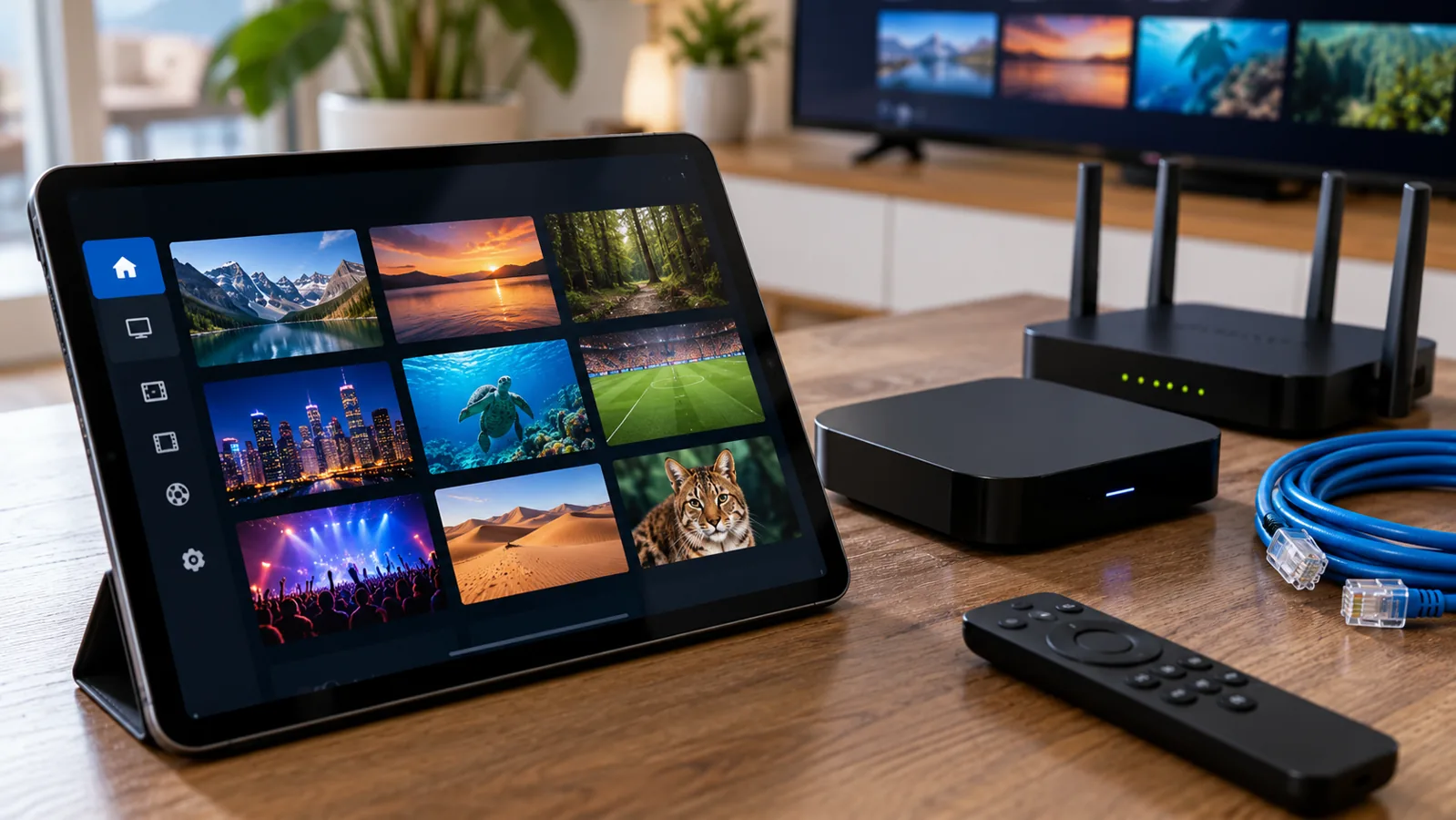
Check the local connection first. Where your device supports it, a reliable Ethernet connection can remove some of the variability of Wi-Fi. With wireless viewing, distance, walls and router placement can matter. Heavy household downloads and other video sessions can also compete for the available connection.
Restart the player and test a second stream. If the issue is limited to one source, changing devices or repeatedly reinstalling the app may not resolve it. If every stream fails, verify your access details, active subscription and network before making assumptions about the catalogue.
Change one thing at a time and note the result. For a useful support message, include the device model, player name, the affected programme, the time of the issue and the error shown. Do not send passwords, full playlist URLs or payment secrets in a public screenshot.
IPTV in Germany and Europe: languages before labels
European viewing often involves more than one language. A household in Germany may want German-language news, films with original audio and family programmes in another language. Another viewer may care more about subtitles than the language used in the programme list.
Separate your requirements into live channels, film and series audio, and subtitles. Ask about each part for the collection you are considering. That approach gives a more precise answer than a broad request for “European content.”
If you plan to watch while travelling, confirm access conditions for the destination before departure. The network, local restrictions and service conditions can differ from your home setup. The fact that the same device works at home does not establish that every stream will work everywhere else.
The GERIPTV4K Europe guide helps turn these needs into a practical checklist. Use your own languages and viewing habits to shape the enquiry, rather than choosing a subscription only from a country label.
Ordering and renewing through geriptv4k.com
Choose a collection and duration from the current plan cards, then review the subscription request form. Check that the selected package, duration and displayed total match what you intended before adding your contact details.
Describe your device and intended IPTV app so the request includes the setup information needed for a useful response. Selecting a preferred payment method is part of the enquiry; it does not take a payment or activate a subscription by itself. Confirm the final amount and payment instructions through the configured GERIPTV4K contact channel.
Keep your confirmation and the agreed activation information. For renewal, mention the existing collection and the duration you want next, then confirm whether the access details or connection conditions will change. Do not assume renewal is automatic unless the terms you have agreed explicitly say so.
If you need help choosing before submitting a request, use GERIPTV4K Contact. A concise message with your device, languages, viewing priorities and duration is a better starting point than an incomplete request for “the best package.”

Frequently asked questions about subscriptions and apps
Does paying for an IPTV app activate my GERIPTV4K package?
No. App activation and television subscription access are separate unless you have specifically agreed a combined arrangement. Check which payment covers the player and which covers the GERIPTV4K collection and duration.
Which IPTV app should I choose?
Start with your exact device and the supplied access method. Compare readable menus, remote or touch navigation, guide handling and the language options you need. Confirm the intended app version before installing or paying for a licence.
Can I use my subscription on a Smart TV?
That depends on the television model, operating system, available player and subscription access method. Share the exact model with GERIPTV4K rather than relying only on the words “Smart TV.”
Is every stream available in 4K?
No universal quality claim should be assumed. Available resolution depends on the content source, collection, player, device and network. Ask about the programmes you want and check playback on your own setup.
How many people can watch at the same time?
Confirm the permitted number of simultaneous streams for your chosen package. Owning several devices or installing several players does not automatically increase that allowance.
What should I send when I need setup help?
Include your device model, player name, selected collection and exact error message. Describe whether the issue affects one stream or all playback. Keep passwords, private playlist links and payment credentials out of screenshots shared publicly.
Should I choose a short or long subscription?
Choose a duration based on your viewing routine and confidence in the setup. Compare the actual total prices and confirm activation and renewal conditions. A longer duration is not automatically the most suitable first choice for every household.
Where do I find the current GERIPTV4K prices?
Open the GERIPTV4K Plans page. Review Standard and Premium, select the duration you want and confirm the current price and included conditions before ordering.
Build your IPTV setup around the way you watch
A well-chosen IPTV subscription begins with your programmes, languages and screens. Match those needs to the current GERIPTV4K collection, choose a practical duration and confirm your simultaneous connections. Then select an app that supports your device and access method.
Keep subscription charges and player activation separate, test the everyday actions you will use and save your setup information for renewal. This gives you a clearer route from comparing a plan to comfortable viewing at home.
Ready to compare your options? Visit geriptv4k.com, review the current Standard and Premium plans and send your device and viewing priorities to GERIPTV4K before choosing your subscription.