
November 3, 2026
IPTV Germany, Austria & Switzerland: Plans and Prices
Choosing an IPTV subscription in Germany, Austria or Switzerland is easier when you compare the things you will actually use: your favourite programmes, preferred languages, main screen and total subscription price. A long channel list can catch your attention, but a good decision starts with a clear picture of your own viewing routine.
This guide from geriptv4k.com brings those decisions together. You will find the current GERIPTV4K Standard and Premium prices, practical ways to compare regional and international entertainment, and a device checklist for your television, streaming box, tablet or computer. It is written for households that want useful details before choosing a duration.
Prices checked on 3 November 2026. The amounts below are totals for the selected duration, in euros. Check the live pricing page for later updates.
Start with your viewing priorities, then compare IPTV plans
Before looking at subscription durations, write down the programmes that make television worthwhile for you. One household may want daily German-language news and weekend films. Another may follow live sports, enjoy international series and use a second language at home. Those are different needs, even if both households search for the same IPTV subscription.
A useful shortlist has three parts. First, name the channels or programme categories you would miss most. Second, note the languages you want to hear and read. Third, identify the screen you will use most often. With those details, you can ask focused questions about a collection instead of trying to compare every advertised feature at once.
- Essential content: the live channels, film genres or series you watch regularly.
- Language preferences: spoken audio, original versions and subtitles.
- Main device: the exact television, streaming device, phone or computer model.
- Household use: how many screens you want to play at the same time.
- Budget: the full subscription price plus any separate player licence.
At GERIPTV4K, Standard and Premium are collection choices. Compare the current contents of each collection alongside the price. A higher price alone does not establish that a particular programme is included, that every source is 4K or that more simultaneous connections are permitted. Your shortlist gives the comparison a practical purpose.
IPTV Germany: build a German-language viewing shortlist
For IPTV Germany, start with the programmes you watch during an ordinary week. German-language news, entertainment, documentaries, films and sports can each play a different role in your routine. The most useful question is which of those choices matters to your household, rather than how many categories a service displays.
Someone living in Berlin may want a familiar evening news routine and international movies at the weekend. A household in Hamburg or Munich may prefer documentary viewing and complete series. The city does not determine the right subscription; your programme choices, languages and device setup do. Mention specific channel names when you contact GERIPTV4K so the current collection can be checked accurately.
For films and series, make language preferences explicit. German audio, original audio and German subtitles are separate options. If you enjoy switching between them, ask about the titles you have in mind. This makes the enquiry more useful than a general request for “all German content.”
You can explore the GERIPTV4K channels and entertainment page to organise your interests by live television, sports, movies, series and documentaries. Then compare those priorities with Standard or Premium before choosing your subscription period.
IPTV Austria: combine regional interests with international entertainment
An IPTV Austria search may begin with Austrian programmes, German-language entertainment or international content for a multilingual household. These interests overlap, but they are not identical. Keep regional favourites on your shortlist and ask about them directly instead of assuming that a German-language collection contains every Austrian programme.
A comfortable living-room setup also depends on everyday navigation. Think about who will use the remote, how easily they can open favourite channels and whether the player layout feels clear. For a shared television, a simple, familiar arrangement can matter as much as an additional app feature.
If you also watch films or series in English, French, Italian or another language, include those preferences in the same enquiry. Explain whether you want dubbed audio, an original version or subtitles. GERIPTV4K can then help you compare the selected collection against the entertainment mix you actually want.
The same approach works whether you watch in Vienna, Graz, Salzburg or elsewhere: confirm content, identify the device and compare the total price. There is no need to choose a longer period before those basic questions are answered.
IPTV Switzerland: IPTV Suisse, IPTV Schweiz and multilingual homes
Switzerland makes language choices especially relevant to an IPTV comparison. Searches for IPTV Suisse, IPTV Schweiz and IPTV Switzerland can describe similar subscription interests, but the programmes a household wants may differ considerably. One viewer may prioritise French-language television, another German programmes, and another Italian audio with international films.
Make your language combination clear from the beginning. For example, your main television might need German-language live channels, while your movie evenings depend on original English audio with French subtitles. Listing those as separate requirements helps avoid misunderstandings about what “multilingual” means for you.
Check individual favourites against the current Standard or Premium collection. A country or language label is a starting point for a content enquiry, rather than a promise that every national channel or every language version of a film is included. The best comparison uses the programmes you will actually open.
For households using several devices, add the screen arrangement to your enquiry. A television and a tablet may use different players. Confirm each device’s compatibility and the permitted simultaneous streams before treating multiple installed apps as a multi-screen subscription.
IPTV Europe: compare programmes and languages across borders
European viewing is often a mixture of local television and international entertainment. A typical week might include German news, an English-language film and a French or Italian series. That variety is useful only when the selected collection matches the languages and titles you enjoy.
Instead of comparing countries as a single large checklist, group your interests by programme type. Put live channels in one list, films in another and series in a third. Then add the required audio and subtitle languages beside each item. This keeps a European IPTV enquiry readable and gives support specific details to check.
If you intend to use the subscription away from home, confirm destination access and account conditions before the trip. A player working on your home television does not establish that every network or destination will behave the same way. Keep your access details private, especially when using a shared television or borrowed device.
The GERIPTV4K Europe guide develops this regional comparison further, with sections for Germany, Austria and Switzerland. Use it alongside the device and pricing pages when preparing a complete subscription request.
GERIPTV4K Standard and Premium: current IPTV subscription prices
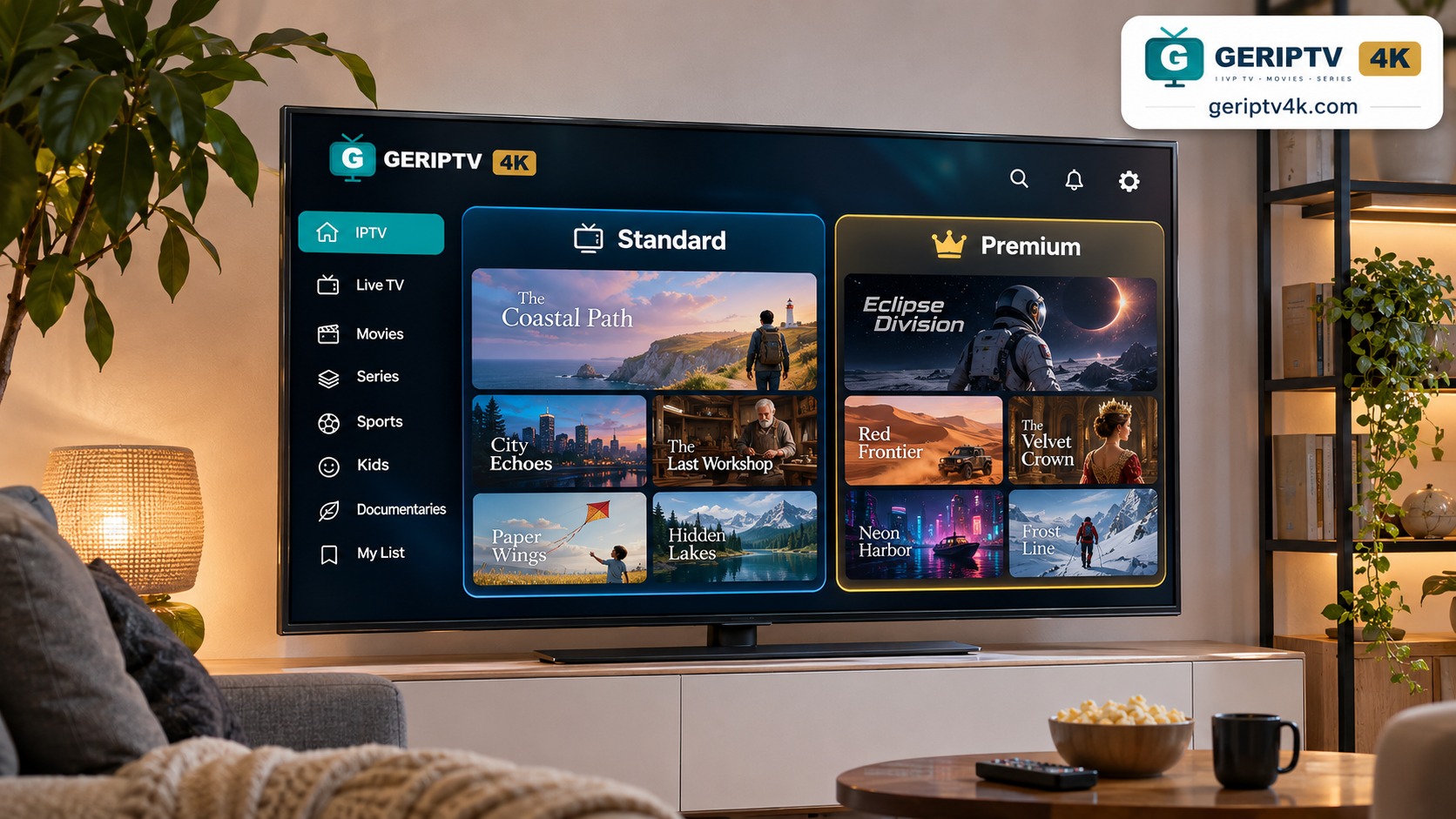
GERIPTV4K offers Standard and Premium subscriptions for 1, 3, 6 and 12 months. The table shows the total amount for each selected duration. For example, the Standard 12-month option is 74 € in total; it is not a monthly charge of 74 €. Premium uses the same duration choices with its own collection and pricing.
| Duration | Standard total | Premium total |
|---|---|---|
| 1 month | 18 € | 21 € |
| 3 months | 28 € | 32 € |
| 6 months | 41 € | 52 € |
| 12 months | 74 € | 89 € |
Use the live GERIPTV4K pricing page to review the latest amounts and carry your preferred collection and duration into the request form. Compare content availability, connection allowance and device requirements alongside the price. Player software can have its own licence, which should be considered separately from the IPTV subscription.
The website’s payment-preference options include PayPal, Visa, Mastercard, Bitcoin and bank transfer. Selecting a preference prepares an enquiry; it does not itself charge a card or complete a payment. Confirm the agreed method and instructions with GERIPTV4K support before paying.
How to choose between 1, 3, 6 and 12 months
The right subscription period depends on how settled your viewing needs are. A new device, unfamiliar player or changing programme preferences can make a shorter duration easier to assess. A longer duration can suit someone who already understands the collection and has a working setup.
A shorter period for a new setup
A one-month subscription can be a practical starting point when you are setting up a television or learning a player’s controls. Use that period to establish your favourites, check the languages you use and understand how the subscription fits your week. Review the total cost and renewal conditions before you begin.
A medium period for an established routine
Three or six months may fit a household that already knows its main device and content priorities. Compare both totals with your intended period of use. A lower overall cost is meaningful only if the collection and setup meet your needs during that time.
A longer period after the important checks
A 12-month option deserves the same content and device checks as a shorter plan. Confirm the selected collection, activation date, connection allowance and renewal process. Keep the confirmation with your account information so you can identify the subscription accurately when requesting help later.
IPTV on Smart TV: check the model before choosing an app
“Smart TV” describes a broad category, not a single software platform. The exact television model and operating system affect the apps you can install and the login methods you can use. Find the model number in the television settings or on the product label before asking for player guidance.
For Samsung, LG or another television brand, check app availability for your particular model. Two televisions from the same manufacturer may support different software. An app shown in someone else’s setup guide is not proof that it will appear in your television’s store.
Once you have a compatible player, focus on comfortable daily use. Can you open a channel with a few clear remote presses? Are subtitles easy to reach? Can you save favourites without repeatedly searching a large list? Those small decisions make an IPTV setup feel easier to use.
Review the compatible-device guidance and send GERIPTV4K the model, operating system and installed player, if you already have one. This helps keep the setup conversation specific.
Android TV, Google TV, Fire TV and streaming boxes
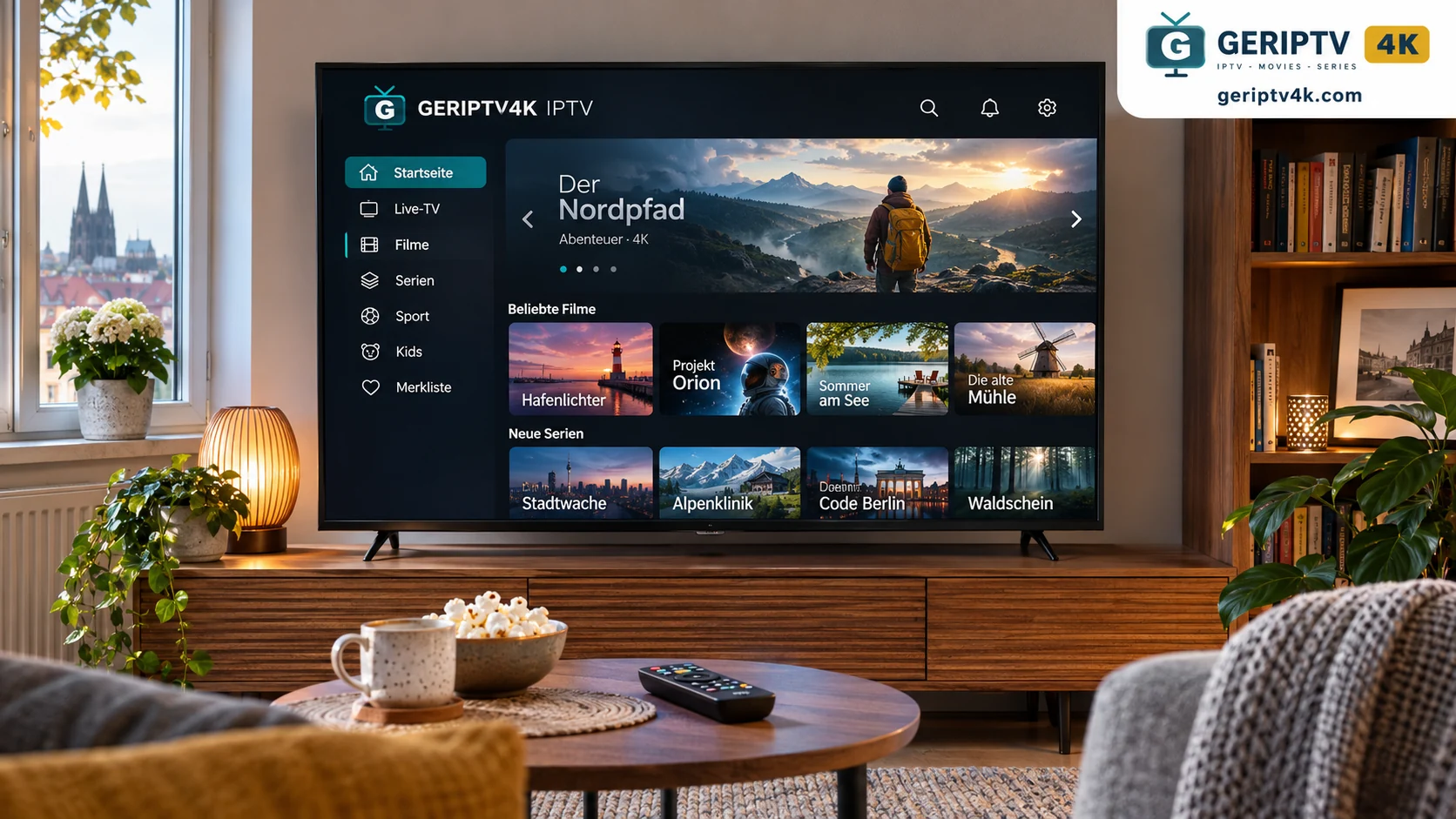
An external streaming device may provide another route for a television with a suitable HDMI connection. Before choosing a box or stick, check that its operating system supports the player and access method required for your subscription. Avoid assuming that a device name alone guarantees compatibility with every IPTV app.
Install the player from its official source, review any separate licence and keep the software updated. Position the device where it has a reliable connection and adequate ventilation. If Ethernet is available and practical, it can be a useful option for the main television; other screens need an appropriate Wi-Fi signal.
IPTV on phones, tablets and computers
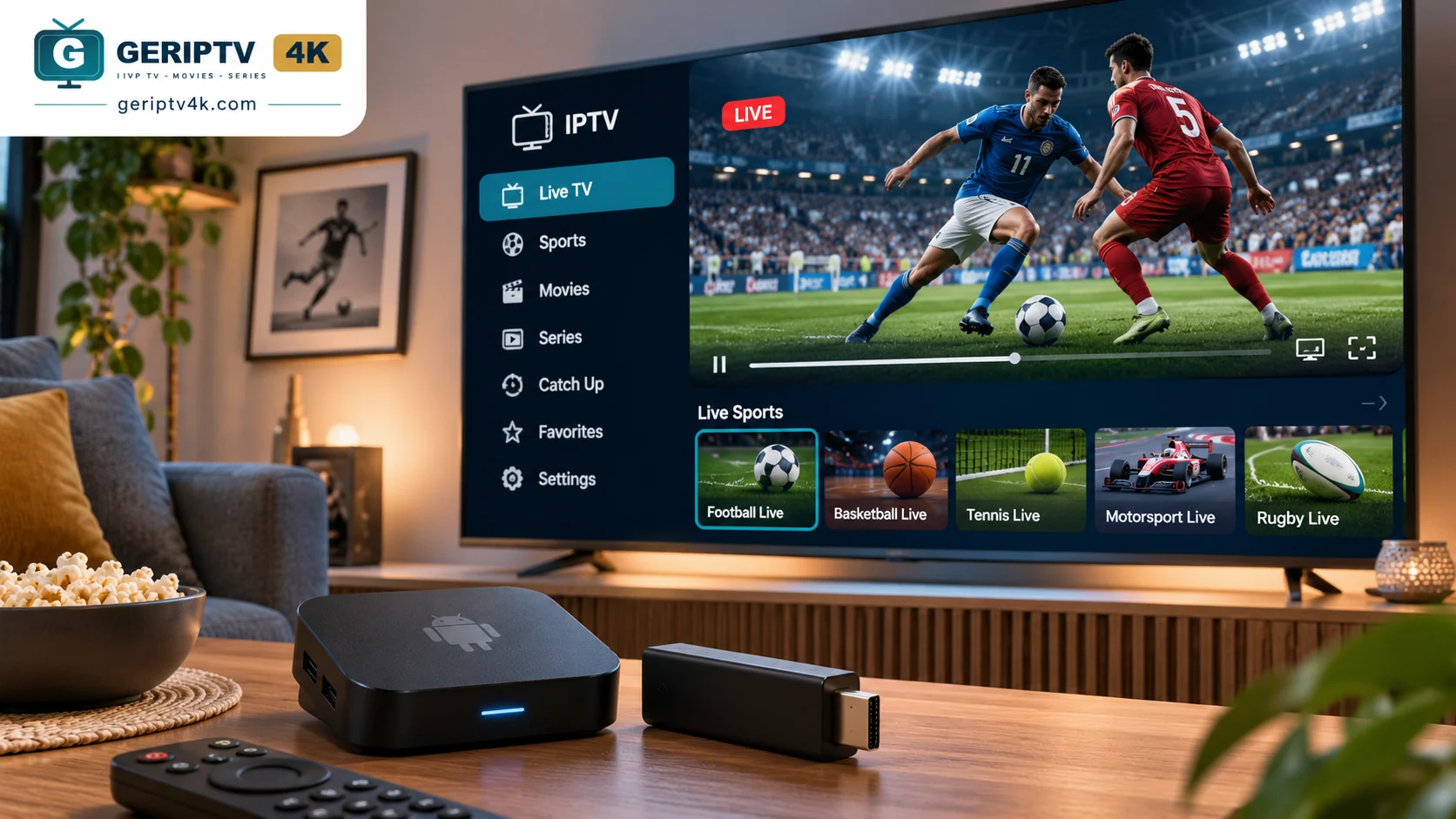
A portable screen gives you another place to watch, whether that means a film on a tablet or a programme on a laptop. Match the player to the device’s operating system, then test its layout, picture and sound. A player that feels comfortable on a television may be less convenient on a smaller touch screen.
Consider data use before making mobile viewing part of your routine. Video can consume a substantial part of a mobile allowance, and the amount depends on the stream and quality selected. Check your connection plan and use a suitable Wi-Fi network where appropriate.
Multiple compatible devices do not automatically mean multiple simultaneous streams. Confirm the account allowance before one person watches on the television while another starts a programme on a tablet. Keeping this distinction clear is one of the most useful checks for a shared household.
When asking for help, name both the device and the player. “My tablet does not work” leaves many possibilities open; the exact model, operating system, player and error message make the next step easier to identify.
Movies, TV series and live sports: compare the details you use
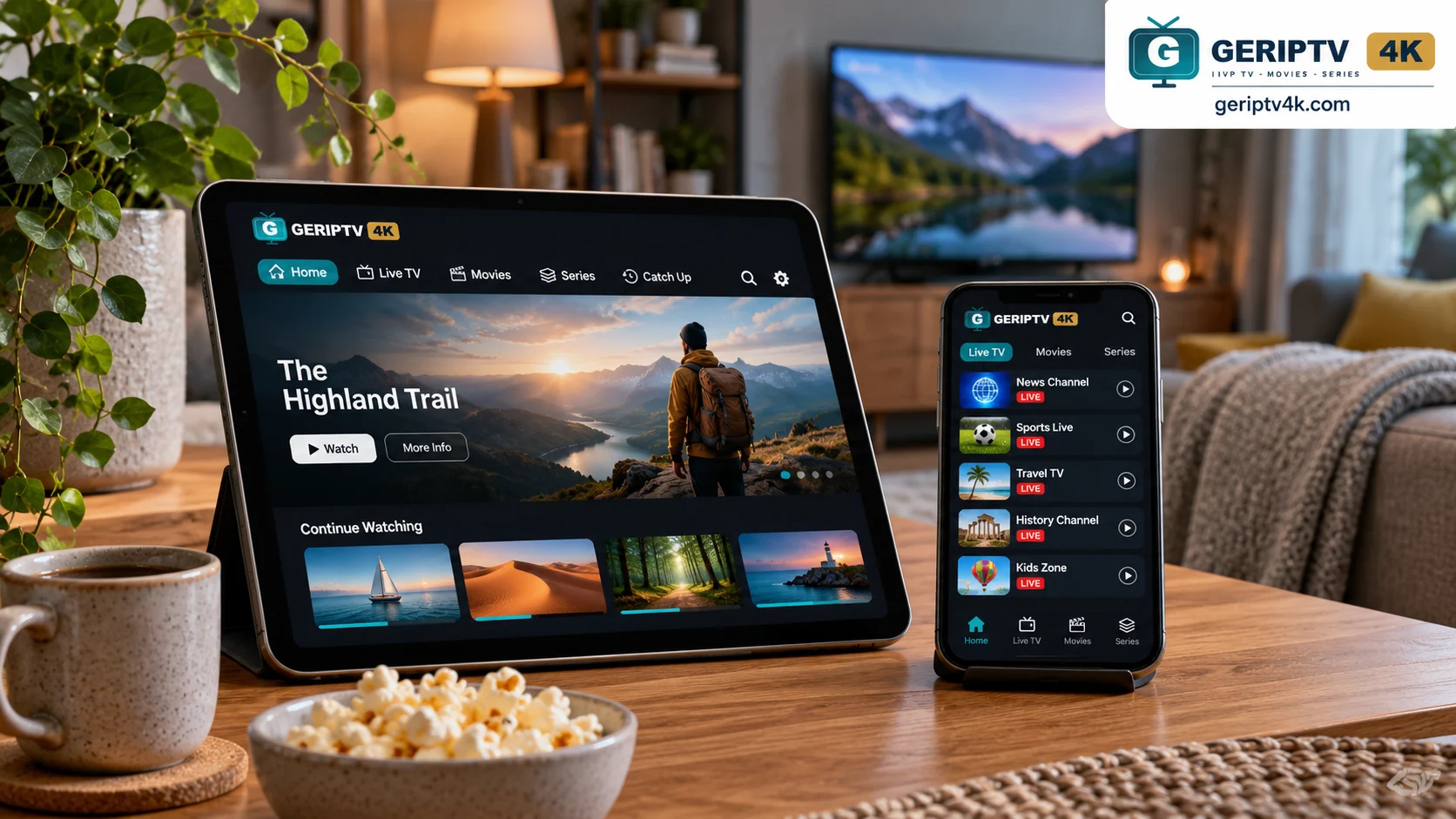
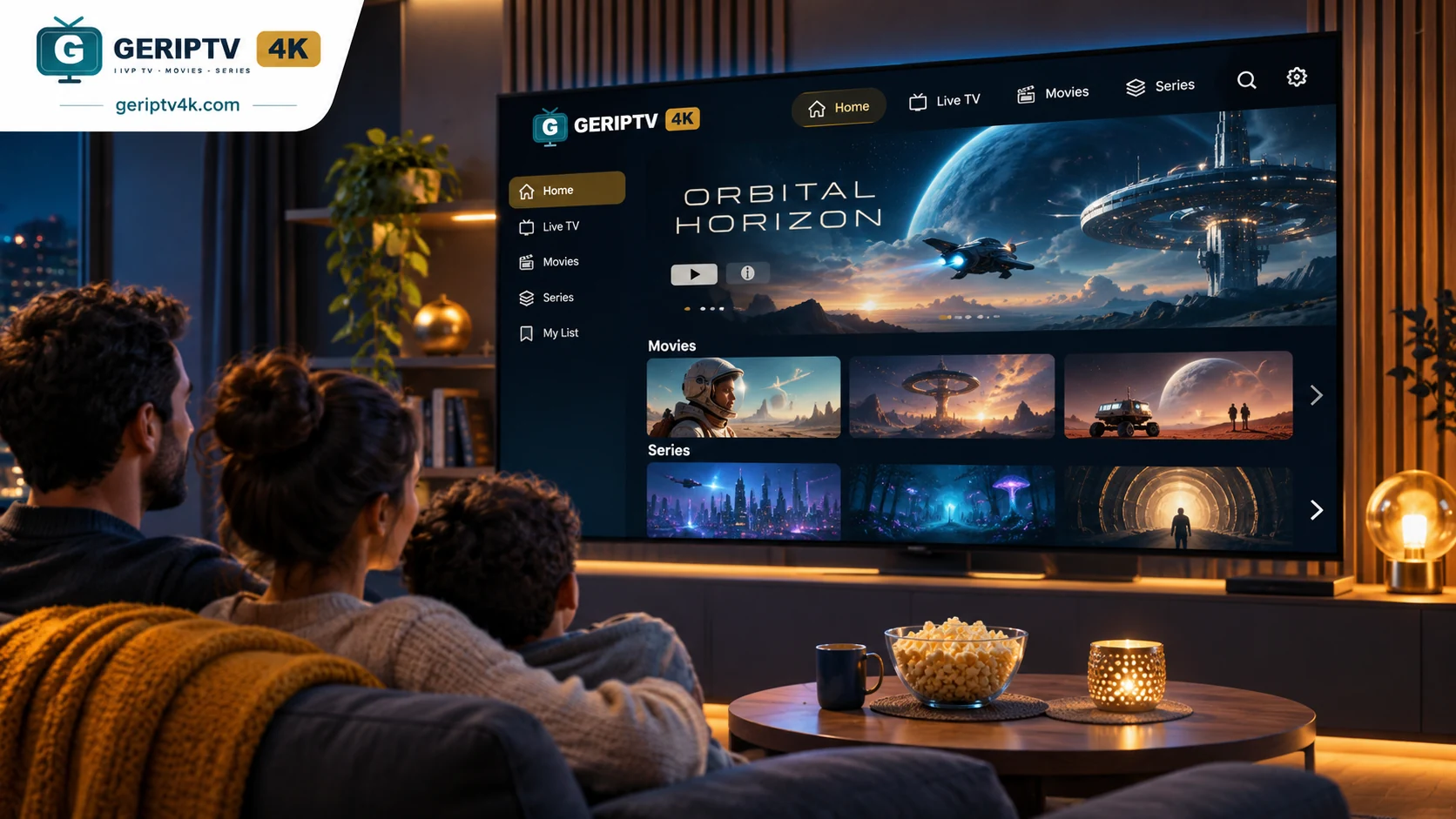
On-demand entertainment and live television serve different viewing habits. Films and series suit evenings when you want to choose a title, while live sports depend on particular channels and event schedules. Compare each category on its own terms rather than treating a single headline catalogue total as the whole subscription.
For movie evenings
Start with genres and a few titles you would genuinely watch. Check the available audio tracks, subtitles and source resolution for those choices. A large screen makes picture quality more noticeable, but the display cannot turn every source into 4K. Match expectations to the programme itself.
For series you want to follow
Look at the seasons and episodes that matter to you. Ask whether the current collection includes the series and language version you want, especially if you prefer to watch in order. Confirming the relevant season is more useful than simply asking whether a service “has series.”
For live sports
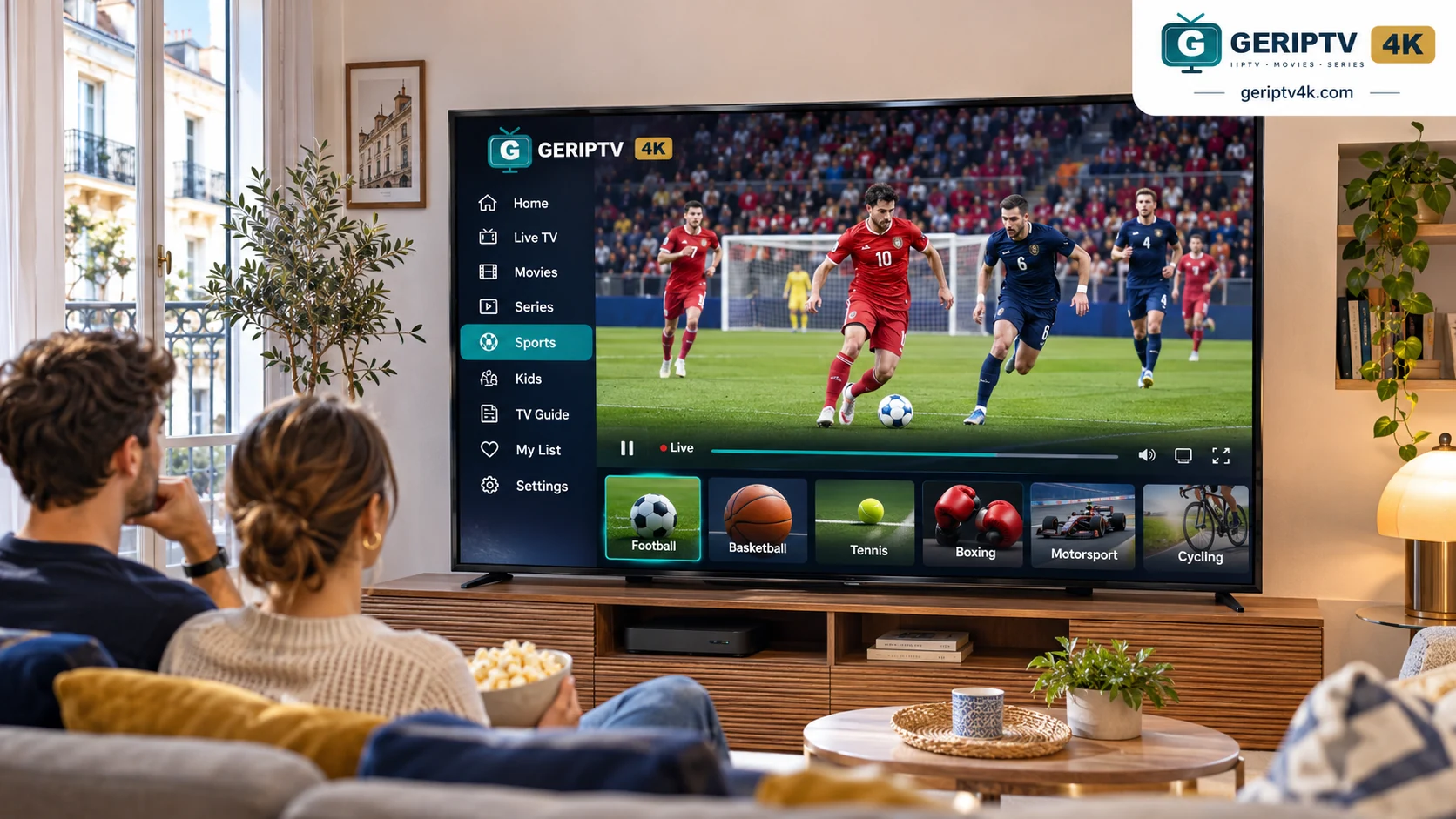
Name the competitions or events you follow and ask about the relevant channels in the selected collection. A generic sports category does not establish coverage of every match or every event. Check the programme you want, the available source quality and your intended viewing device before relying on the setup for a particular evening.
Prepare the player before the event begins. Confirm the remote controls, audio output and main connection while you have time to make adjustments. A familiar setup allows you to spend the evening watching rather than searching through settings.
Audio languages and subtitles: make the comparison specific
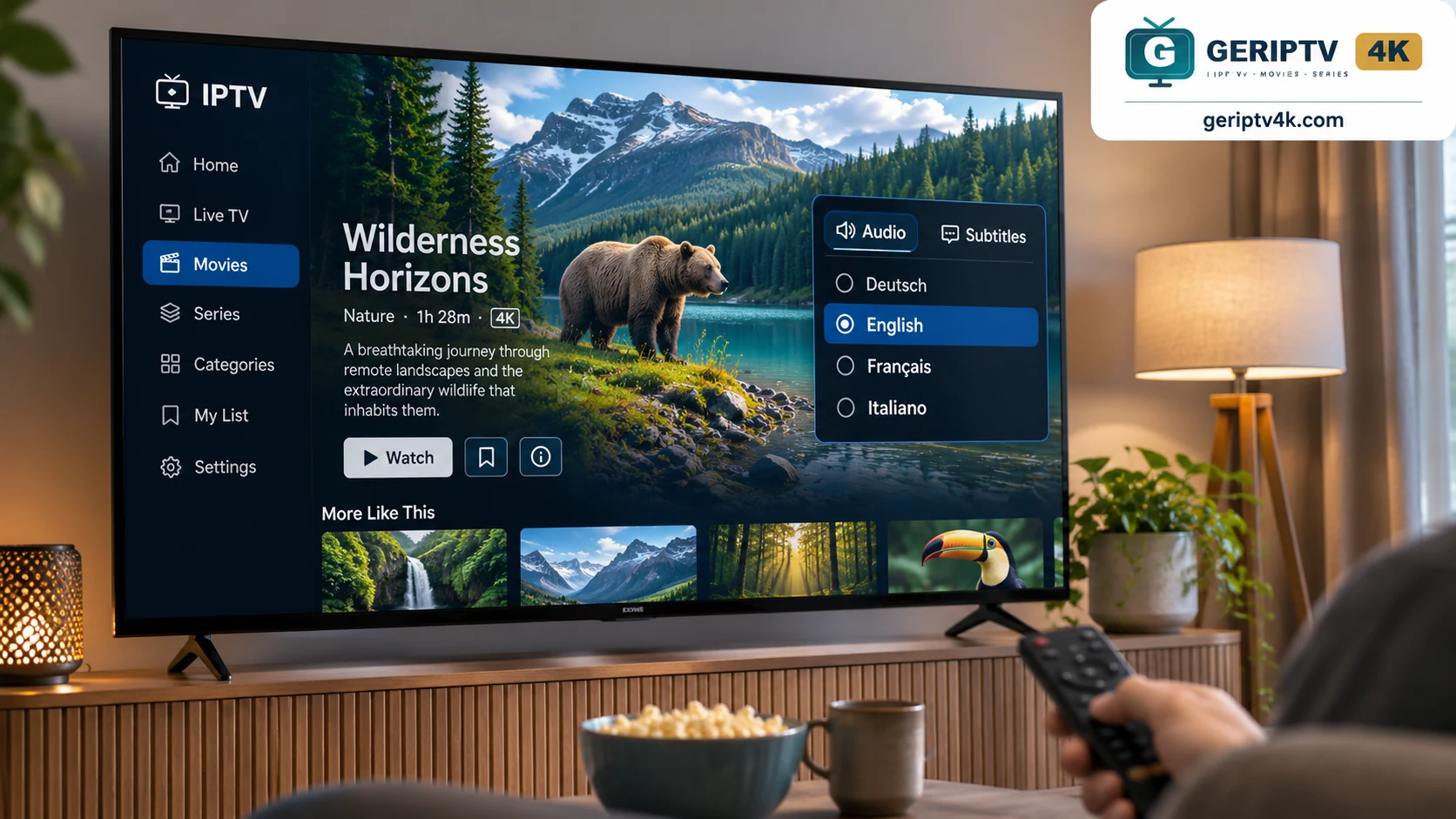
Menu language, spoken audio and subtitles are three different settings. A player with an English menu may display German programmes, while a film in a German-language category may offer a different mix of audio tracks and subtitles. Check each item that matters to your household.
This is particularly useful when comparing IPTV for Germany, Austria and Switzerland. You might want German live channels, French subtitles for a film and Italian audio for another title. Write those requirements beside your shortlist and ask about them separately.
During setup, test the language selection on your main screen. Learn where the player places audio and subtitle controls and check whether your preferences are remembered. Availability comes from the title or channel source as well as the player; a setting cannot add a language track that is not supplied.
For family viewing, explore the access controls offered by the app. Review the player’s PIN and category settings where available and configure them for your household. Keep account passwords private and avoid leaving personal access details on shared devices.
Prepare your GERIPTV4K subscription request
A complete enquiry can save several rounds of questions. Choose your collection and preferred duration on geriptv4k.com, then have the device and content details ready. The aim is a clear request that support can check against the current package and setup options.
- Select Standard or Premium. Review the current collection and total duration price.
- Name your device. Include the exact model, operating system and player, if installed.
- List your priorities. Mention important channels, titles, languages and simultaneous screens.
- Confirm the full setup cost. Separate the subscription from any player licence.
- Review activation and renewal details. Keep the confirmation for future reference.
- Test the main screen first. Check login, picture, sound and navigation before adding devices.
The IPTV setup guide explains the basic sequence. If a step fails, record the exact message and the point where it appears. Send a screenshot only after hiding passwords, private account details and full playlist links.
For renewal, mention the existing collection and the next duration you want. Ask for the current price and the start and end dates of the new period. Keeping those details together makes later account questions easier to follow.
Frequently asked questions about IPTV subscriptions
How much does GERIPTV4K cost?
As checked on 3 November 2026, Standard totals are 18 €, 28 €, 41 € and 74 € for 1, 3, 6 and 12 months. Premium totals are 21 €, 32 €, 52 € and 89 € for the same durations. Review the live pricing page for later changes and confirm any separate player licence.
Which is better for me: Standard or Premium?
Compare the current collections against your preferred programmes, languages and screen requirements. Premium is a separate collection choice; the name or price alone does not confirm a particular channel, resolution or additional simultaneous connection.
Can I use IPTV on a Samsung or LG television?
Check the exact television model, operating system and available player. Compatibility can vary between models from the same brand. Send the model details to GERIPTV4K before choosing an app or purchasing a subscription.
Is an IPTV player included with the subscription?
A player and a subscription serve different purposes. Some players have their own licence or payment conditions managed by the app publisher. Confirm the requirements of your chosen app separately from your GERIPTV4K plan.
Can I watch on more than one device?
You may be able to install compatible players on different devices, but simultaneous playback depends on the connection allowance of your selected subscription. Confirm that allowance before using multiple active screens.
Does every programme play in 4K?
No. Resolution depends on the programme source, collection, compatible player, display and connection. Check the quality available for the channels and titles you want instead of assuming that all content shares one resolution.
What should I ask about IPTV Suisse or IPTV Schweiz?
List your preferred Swiss and international programmes, then specify German, French, Italian or other audio and subtitle requirements. Confirm the actual titles and channels in the selected collection rather than relying on a regional label.
Can I choose Visa or Mastercard?
Visa and Mastercard appear among the payment-preference options on geriptv4k.com. The subscription form prepares an enquiry and does not collect a payment directly. Confirm the agreed payment instructions with support.
What details help with a setup question?
Your device model, operating system, player name, connection type and exact error message are useful starting points. Explain what you have already tested and keep private access details out of screenshots.
Find your next viewing setup at geriptv4k.com
A well-chosen IPTV subscription begins with the programmes, languages and screens you actually use. Compare Germany, Austria, Switzerland and wider European viewing interests through that personal checklist, then review the current Standard and Premium collections and prices.
Visit GERIPTV4K subscription plans, explore the IPTV player guide or contact GERIPTV4K with your device and viewing priorities. A clear enquiry helps you move from a broad search to a setup that fits your home.