
November 15, 2026
IPTV Subscription Guide: Choose Your Plan | GERIPTV4K
Choosing an IPTV subscription should begin with the way you actually watch television. The right package needs to match your preferred programmes, the languages spoken at home, your devices and the number of screens you want to use. A large catalogue is useful only when it contains the entertainment you care about and works with your chosen setup.
This GERIPTV4K guide brings those decisions together for viewers comparing IPTV subscriptions in Germany, Austria and Switzerland. You will find the current IPTV Basic, IPTV Standard and IPTV Premium prices, a practical explanation of subscription lengths, device considerations and a checklist to use before ordering. If you are searching for an IPTV Abo, IPTV Deutschland, IPTV Österreich or IPTV Schweiz, the same starting point applies: compare the details behind each package before selecting a duration.
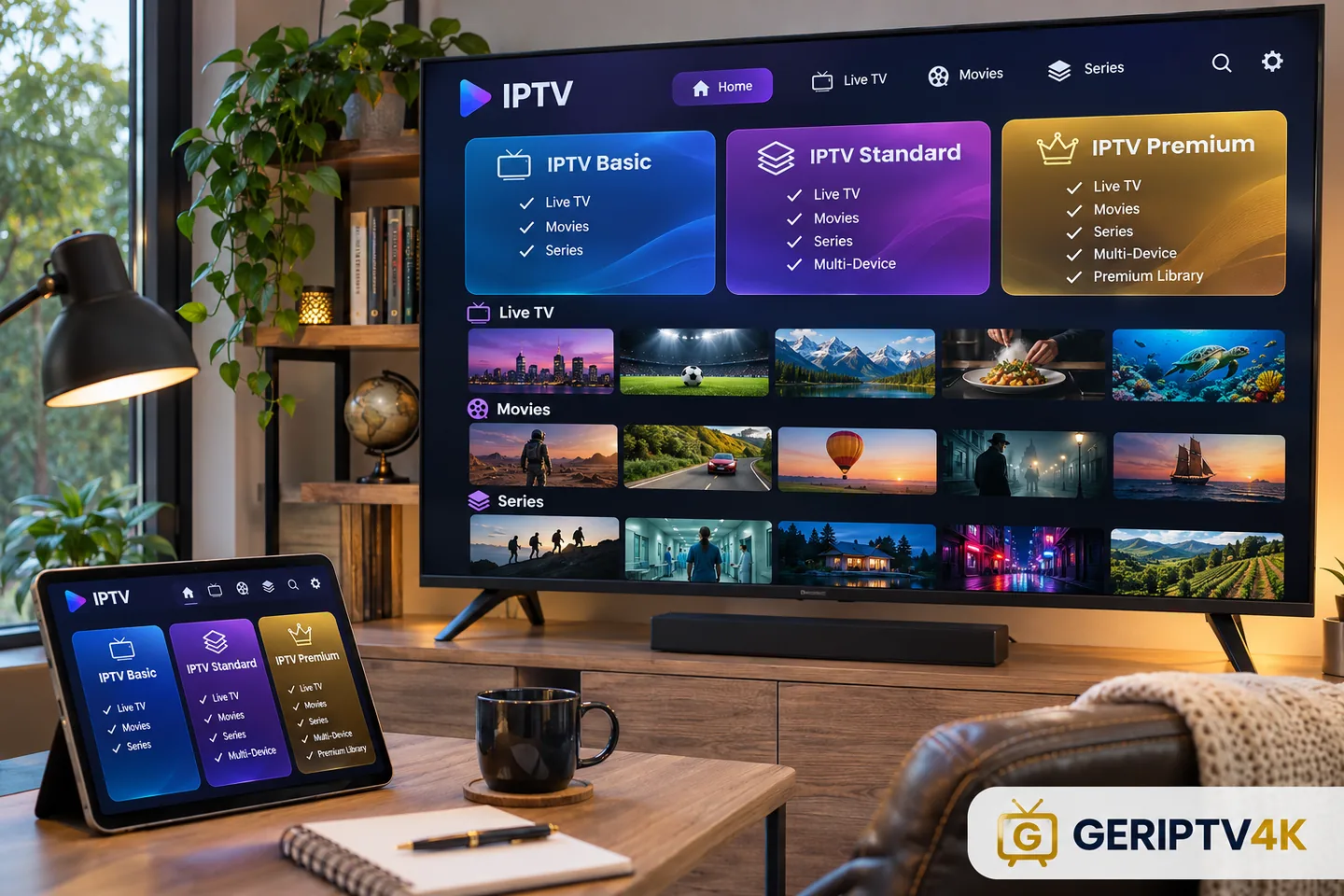
Prices were checked on geriptv4k.com on 15 November 2026. They are totals for each selected duration, rather than monthly charges. Catalogues, supported quality, connection allowances and prices can change; use the live plans page to confirm the latest details. Illustrations throughout this guide show original conceptual IPTV interfaces, rather than screenshots or promises of a specific catalogue.
1. What should an IPTV subscription include?
An IPTV subscription provides access to a television service delivered over an internet connection. Your viewing experience also depends on a compatible device, an IPTV player and the connection available where you watch. These parts work together, but they are separate purchasing decisions. Installing a player does not automatically provide a television package, and purchasing a subscription does not necessarily include a paid player licence.
Before comparing providers or durations, make a short viewing profile. Write down the live channels you want, the types of films and series you enjoy, your preferred audio languages and your main screen. Add any accessibility needs, such as subtitles or a particularly clear remote-control interface. This turns a broad search for an IPTV service into a specific request that support can answer.
At GERIPTV4K, start with the subscription plans, then use the channels page to prepare questions about the current collection. Ask for clear confirmation of availability, territorial access, connection limits, renewal conditions and setup requirements before making payment.
2. IPTV Basic, IPTV Standard or IPTV Premium?
GERIPTV4K presents three package collections: IPTV Basic, IPTV Standard and IPTV Premium. Each collection has 1, 3, 6 and 12-month options. Compare the collection first and the duration second. A longer subscription changes how long you have access; it should not be assumed to change which collection you receive.
The plan names provide a useful navigation structure, but the decision should come from the details. Ask whether your preferred channels and titles are included, which audio and subtitle options are available, and how many simultaneous streams are permitted. A package name alone does not establish that every programme is available in a particular resolution.
For a new setup, send the same viewing list when asking about all three collections. That makes the answers easier to compare. You may find that IPTV Basic covers your needs, or that particular titles make another collection more suitable. GERIPTV4K support can clarify the current differences before you choose a duration.
3. GERIPTV4K IPTV subscription prices
The following table records the prices displayed on the GERIPTV4K plans page when this guide was prepared. Every amount is the full subscription price for the duration shown. For example, the 12-month IPTV Basic price of 47 € is the displayed total for twelve months, rather than 47 € each month.
| Duration | IPTV Basic | IPTV Standard | IPTV Premium |
|---|---|---|---|
| 1 month | 13 € | 18 € | 21 € |
| 3 months | 19 € | 28 € | 32 € |
| 6 months | 27 € | 41 € | 52 € |
| 12 months | 47 € | 74 € | 89 € |
Compare the complete cost of your intended setup. Depending on your chosen app and device, a separate player licence or hardware purchase may be needed. Confirm whether any additional charges apply to your request, and ask about the activation start date and renewal conditions. Do not infer automatic renewal or cancellation rules from the duration alone.
Check current IPTV prices and available durations.
4. When a one-month IPTV subscription makes sense
A one-month subscription can suit someone establishing a new viewing routine or checking how a particular screen fits their household. It provides a shorter initial commitment than a longer period, while still requiring the same preparation: confirm your collection, device, player and preferred content before ordering.
Use the first days to organise the setup carefully. Check the programmes you regularly watch, explore the controls on the remote, and adjust audio and subtitles where available. Try your normal viewing times and make sure other household members understand how to navigate the player. Save the support contact and keep your activation details private.
At the prices checked for this article, one month is 13 € for IPTV Basic, 18 € for IPTV Standard and 21 € for IPTV Premium. These figures help compare the initial cost; they do not replace checking the current collection or package conditions. If you later want a longer duration, ask how renewal works before the existing access period ends.
5. Choosing a three-month IPTV package
A three-month IPTV package may fit a viewing period that is already reasonably clear: a settled home setup, a few months at one address or a household that prefers to review subscriptions regularly. Choose it because the period suits your plans, rather than because a longer card happens to look more prominent.
Before extending beyond one month, review what you have learned about your viewing habits. Are you using live television most evenings, returning mainly for films, or sharing the setup with family members who prefer different languages? Those details can matter more than the headline size of a catalogue. Ask whether the collection you intend to order contains the specific programmes you now know you want.
The displayed three-month totals are 19 € for IPTV Basic, 28 € for IPTV Standard and 32 € for IPTV Premium at the time of checking. Review the live plans page for current amounts and ask support to confirm your selected collection and duration in writing before payment.
6. Is a six-month IPTV subscription right for your household?
Six months can be a practical middle duration when your device, player and viewing requirements are established. It is long enough to deserve a careful check of the package conditions, especially if you expect to change address, replace a television or add another screen during the period.
Think about changes that might affect access. A different television may need another player or a separate app licence. A new household member may increase the number of simultaneous streams you need. A planned trip may raise questions about access in another country. Ask about those situations before choosing a longer period; do not assume one subscription covers every future arrangement.
The six-month prices shown during preparation were 27 € for IPTV Basic, 41 € for IPTV Standard and 52 € for IPTV Premium. Compare these totals alongside the actual collection and setup requirements. A lower effective cost over time only has value when the subscription remains suitable for the way you watch.
7. Comparing twelve-month IPTV subscriptions
A twelve-month IPTV subscription is a decision about a full year of access, so take time to check the details. Confirm the package collection, duration, activation date, permitted simultaneous connections and support route. Ask what happens if you change a device or need to reinstall your player.
The checked annual totals are 47 € for IPTV Basic, 74 € for IPTV Standard and 89 € for IPTV Premium. Those amounts should be compared as complete annual prices. Avoid choosing only from an average monthly figure: it can make two different collections look interchangeable when their current contents or conditions may differ.
Keep a simple record of the order confirmation and renewal date. Review the collection again before renewing, since your household preferences may change during the year. A year-long duration can suit an established setup, but no duration removes the need to confirm your preferred channels and titles. Use the contact page if any part of the package remains unclear.
8. IPTV Germany: build the subscription around your programmes
Someone searching for IPTV Germany or IPTV Deutschland may want very different things from another viewer in the same city. One household may prioritise German-language news and entertainment, another may want international films with German subtitles, and another may need several audio languages for family viewing.
Start with a list of actual programmes or channels rather than a general request for German television. Separate essential choices from optional ones. Ask about live availability, on-demand titles, audio tracks and subtitles as distinct questions. A German interface does not guarantee German audio for every programme, and a title in a catalogue does not by itself establish which seasons are available.
For homes in Berlin, Hamburg, Munich, Cologne or elsewhere in Germany, the device and home network deserve the same attention as the collection. Share the exact television or streaming-device model when requesting help. Explore the GERIPTV4K device guide and compare the three subscriptions against your own viewing list.
9. IPTV Austria: check regional and international preferences
An IPTV Austria search often begins with familiar television, but a useful subscription comparison should go further. Consider the balance between Austrian programming, wider German-language entertainment and the international content your household enjoys. State your priorities clearly when contacting support.
For a home in Vienna, Graz, Linz, Salzburg or another Austrian location, ask about the specific current channels or titles you expect to watch. If a live event matters, name the event and date instead of assuming a general sports category covers it. If you mainly watch series, ask about complete seasons, audio and subtitles.
Prepare the device details before ordering. A television’s age, operating system and available apps can affect which player is appropriate. A simple, comfortable interface may be more useful than a complicated arrangement with features you rarely use. GERIPTV4K’s setup guide provides a starting point for discussing the screen, player and access details that belong together.
10. IPTV Switzerland: compare languages separately
IPTV Switzerland, IPTV Schweiz and IPTV Suisse searches can point to different language needs within the same household. German, French, Italian and English may all matter, but they should be checked individually for live television, films and series.
Create a small language matrix for your household. Record which language you want for the player interface, which you prefer for dialogue and which subtitles are useful. Ask about the exact titles or channels alongside that list. This produces a clearer answer than asking whether a package is simply multilingual.
Viewers in Zurich, Geneva, Basel, Bern, Lausanne or Lugano should also confirm service access for their location before ordering. Prices on the GERIPTV4K plans page are shown in euros; confirm the final amount and any payment-provider conversion details when arranging payment. Use the Europe guide to prepare regional viewing questions, then compare IPTV Basic, IPTV Standard and IPTV Premium according to the content and setup you actually need.
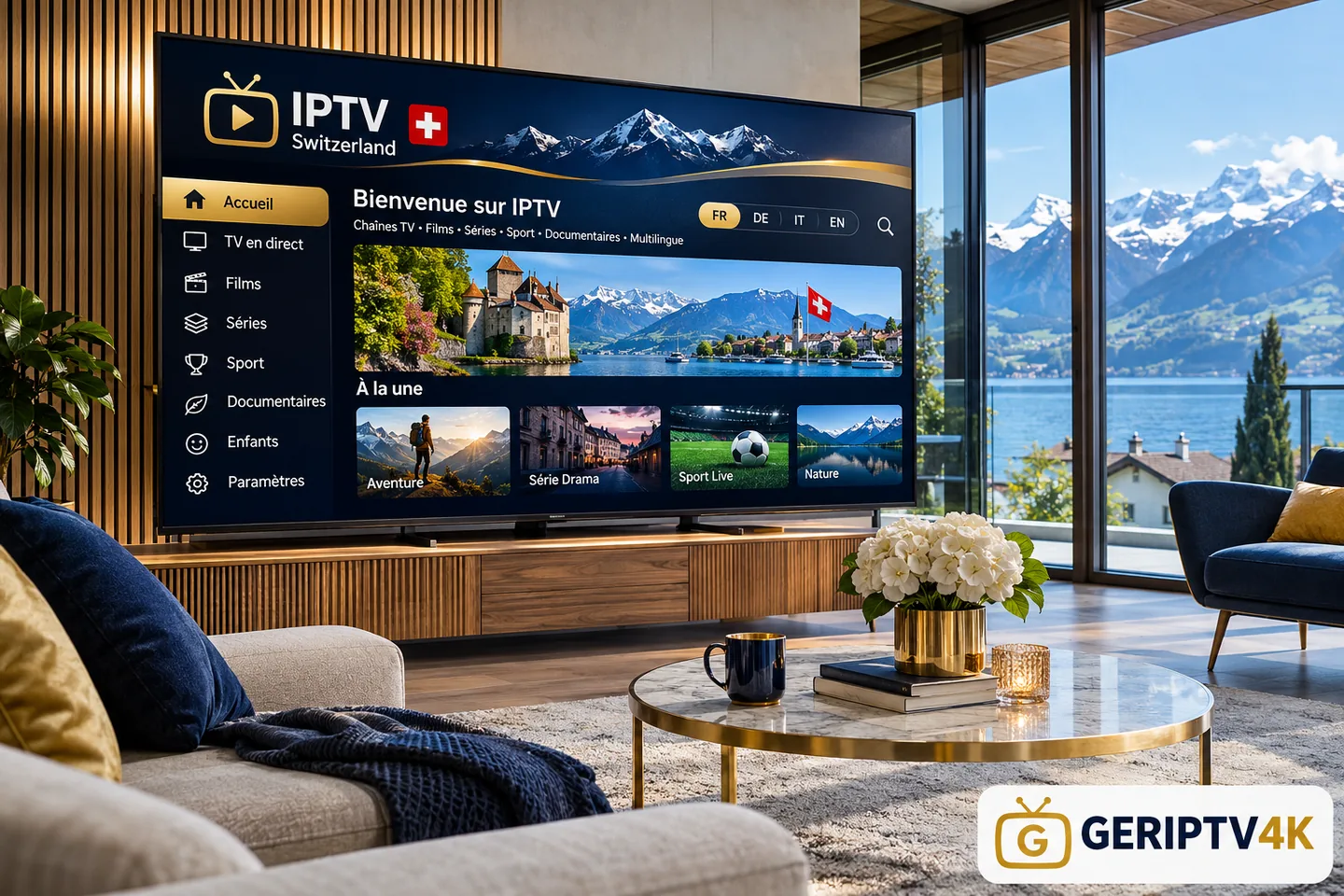
11. Audio languages, subtitles and a comfortable interface
Language support has several layers. The player menu language controls navigation. An audio track controls the spoken language of a programme. Subtitles provide another reading option. These settings can vary by app, channel and individual title, so confirming one does not confirm the others.
When comparing an IPTV subscription, use a few representative examples from your own watch list. Ask for the required language for a live programme, a film and a series. If subtitles matter, specify whether you need them in the same language as the dialogue or a different one. Also check how easily your chosen player exposes these controls on your television remote.
For a shared household, a clear menu layout can make everyday viewing more comfortable. Organise favourites where supported and avoid overcomplicating the first setup. You can add more categories later once everyone understands the main controls. Consult the player options to prepare questions about interface suitability and device compatibility.
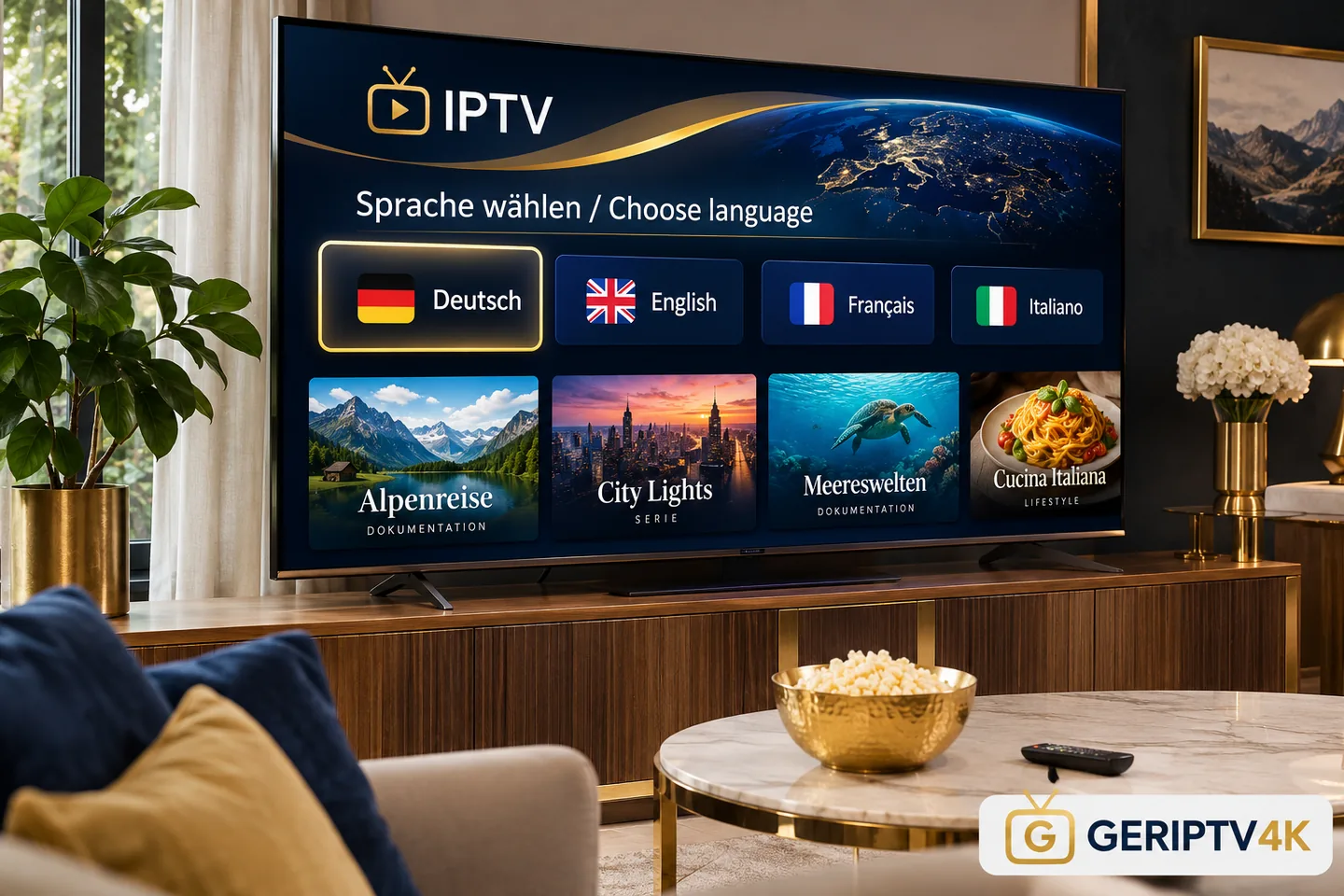
12. IPTV on a Smart TV
A Smart TV can make a convenient main screen when a suitable player is available for its exact model and operating system. The words Smart TV describe a broad category, so provide the manufacturer, model number and approximate software version when asking about compatibility.
Check the television’s official app store and confirm the intended login method before purchasing a player licence. Some players may use account credentials, a playlist or another supported activation process. Follow the instructions for the app you actually install instead of combining steps from unrelated tutorials.
Once access is configured, test picture, sound, subtitles and remote navigation. Check that the television can return to the player comfortably after switching off and on. If the interface feels slow or the app is unsuitable for your model, discuss an alternative compatible device before buying additional software. The GERIPTV4K devices page helps you organise these questions before choosing your IPTV subscription.
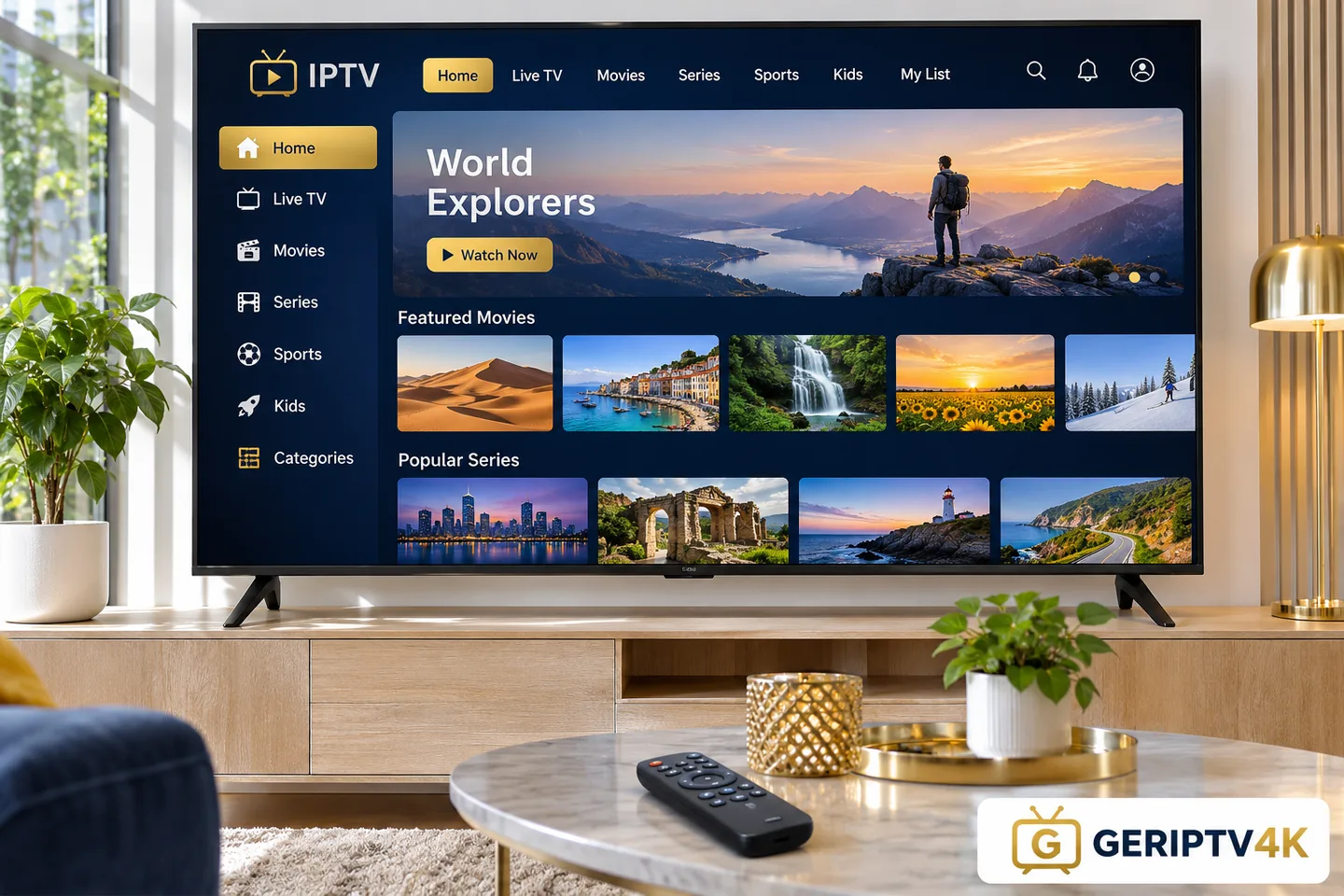
13. Android TV and Google TV subscription setups
For a television or box using Android TV or Google TV, focus on the particular device and the IPTV players available through its official store. A remote-friendly app with clear category navigation is usually a more comfortable starting point for a living-room screen than a layout designed primarily for touch.
Tell support your device model and the name of the player you plan to use. Ask whether the supplied access details match the login methods supported by that player. Confirm any separate app licence before paying for it, and use the app publisher’s own installation and account instructions where needed.
Keep the initial setup simple. Add the confirmed access details, load the collection and test a small selection of the programmes you intend to watch. Organise favourites only after the basic navigation works as expected. If you later change devices, ask whether the subscription needs a reset or another configuration step instead of assuming the old setup will transfer automatically.
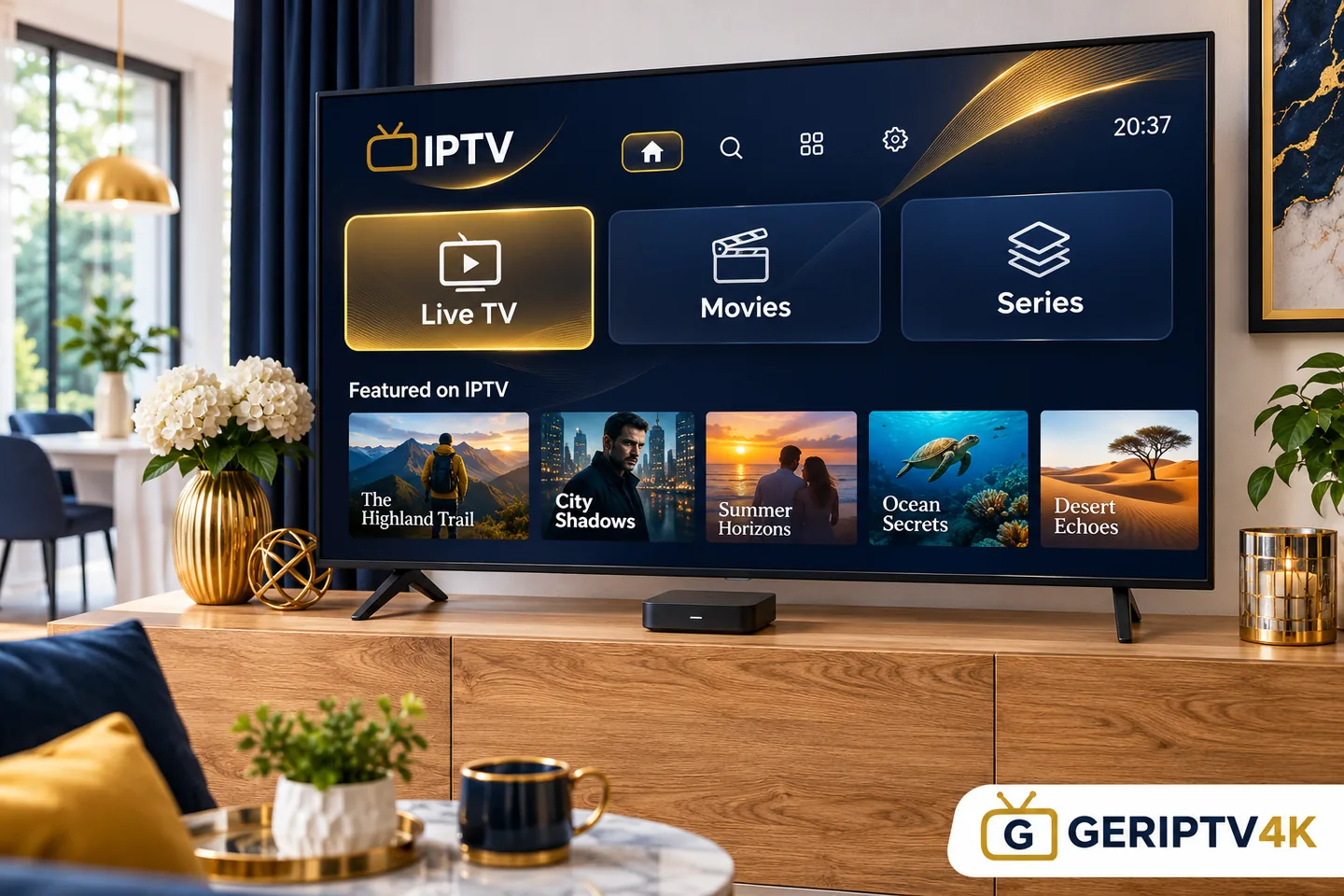
14. IPTV on Fire TV and streaming sticks
A streaming stick may be useful when you want a separate device connected to the television. Before ordering an IPTV subscription, identify the exact stick model and confirm a suitable player for that device. Similar-looking devices can differ in software, storage and app availability.
Use official installation sources and clear publisher instructions. Avoid entering subscription credentials into unverified apps or websites. An app licence and a television subscription serve different purposes, so ask about each cost separately and retain the relevant purchase confirmations.
Consider everyday practicality as well. Make sure the remote is comfortable, the device has suitable power and the network connection is reliable at the television’s position. Test the setup with your normal viewing routine, including subtitles and sound output if those matter to you. The apps page is a useful place to prepare a shortlist, while support can help clarify the combination of device, player and package before activation.
15. Apple TV, iPhone and iPad viewing
Apple TV, iPhone and iPad can have different player options and interaction styles. A television setup depends on a remote, while a phone or tablet uses touch. Check compatibility for each device individually, even if you prefer a similar viewing experience across them.
Before purchasing a player licence, review its supported login methods and publisher terms. Ask whether your selected GERIPTV4K subscription can be configured with the player you want to use. Confirm how many devices may be registered and how many may play at the same time; these are different questions.
For mobile viewing, consider the connection you will use and any mobile data allowance. Try subtitles, audio output and screen orientation before relying on the setup outside the home. Do not assume access is available in every destination simply because an app is installed. If you expect to travel, ask about the destination and permitted use before choosing a subscription duration.
16. Watching IPTV on Windows and Mac
A computer can be a useful viewing screen at a desk or in a second room. Begin by checking the operating system, the player you intend to use and the login method it supports. A desktop setup may need different instructions from a Smart TV or streaming stick.
Keep subscription credentials private and avoid saving access information in shared documents or public screenshots. On a shared computer, consider who can open the player and whether account details remain visible. Use the player’s supported privacy and access controls where appropriate.
Test the complete experience before settling into your routine: video, sound, subtitles and the display you use most often. If you connect a laptop to a larger screen, check that the chosen audio output and picture settings work comfortably. GERIPTV4K’s device guidance can help you prepare the exact details needed for support, while your app publisher remains the source for player-specific controls and licence conditions.
17. MAG boxes, Enigma2 and specialist receivers
A dedicated receiver needs model-specific checks before you buy an IPTV subscription. Names such as MAG or Enigma2 describe families of devices and software arrangements; they are not enough on their own to establish compatibility with a particular access method.
Share the exact model, software information and the current setup method with support. Ask which details are required and send them only through the support route you intend to use. Avoid posting device identifiers, login information or portal details publicly while requesting help.
If the receiver already contains another configuration, clarify the changes before replacing it. Keep a private record of any settings you may need to restore. Follow instructions intended for your exact hardware rather than trying several unrelated guides. Confirming the receiver first can prevent an unnecessary player purchase or a subscription order based on assumptions. Use the setup guide to start the conversation with a clear description of your device.
18. Choosing an IPTV player without confusing it with the service
The player is the software used to browse and watch the collection. The subscription is the access arrangement for the selected service. A paid app may still require separate subscription credentials, and a subscription may still require a compatible app that has its own licence conditions.
When comparing players, consider the tasks you perform most often. Can you read category names from the sofa? Is it easy to open favourites, choose subtitles or return to the previous screen? Does the app support the access method supplied for your subscription? These questions are more useful than selecting a player solely because it appears in a popular tutorial.
GERIPTV4K lists player examples on its IPTV apps page. Availability, supported features and licence terms are controlled by the respective publishers. Check the official listing for the app you choose, then confirm the subscription setup separately. Avoid paying for multiple players before identifying one that suits your device and access method.
19. Picture quality: SD, HD, Full HD and available 4K
Picture quality is the result of the programme source, the player, the device, the display and the connection working together. A television capable of 4K cannot create native 4K detail from every source. Similarly, a package mentioning several quality options does not mean every channel and title uses the highest option.
Ask about the actual programmes you intend to watch and the quality currently available for them. Consider viewing distance and screen size as well as the resolution label. A clear, consistent picture with suitable sound and subtitles may matter more in daily use than a specification that applies only to selected content.
Start with the settings recommended for your chosen player and device, then make one adjustment at a time if needed. Avoid changing several video and network settings simultaneously, because it becomes harder to identify which change helped. The features page provides context for discussing quality options with GERIPTV4K before ordering.

20. Prepare the home connection before activation
Your home network is part of the viewing setup. A strong internet plan does not automatically mean the connection is equally good in every room. The position of the router, the television’s location and other household activity can affect the connection available to the player.
Where practical, compare the setup using Ethernet and your usual Wi-Fi connection. Test at the screen you will actually use and at the time you normally watch. Consider other devices performing large downloads or uploads during the same period. Avoid treating a single speed reading on a different device as a complete picture of the television’s connection.
If playback needs attention, record useful details: device model, player, connection type, approximate time and the exact message shown. That is more actionable than simply reporting that the service does not work. Keep credentials out of screenshots. Share the relevant technical details through the support contact page so the next check can focus on your actual setup.
21. One screen or several: confirm simultaneous connections
Installing a player on several devices is different from being allowed to watch on those devices at the same time. Before ordering, ask for the simultaneous-stream allowance of the exact package you choose. Do not assume it from the number of devices pictured on a plan card.
Describe realistic household use. Perhaps the living-room television and a tablet will sometimes play together, or two people prefer different programmes in separate rooms. State the number of concurrent streams you need and ask whether an additional arrangement is required. Clarify any rules about household use, locations and device changes before payment.
When setting up more than one screen, test each individually first. Then check the permitted combination and keep the configuration clear for everyone using it. Avoid sharing credentials beyond the agreed terms. GERIPTV4K support can confirm the current connection conditions for IPTV Basic, IPTV Standard and IPTV Premium, allowing you to compare packages around your actual household routine.
22. Live television, films, series and sports: ask precise questions
Broad entertainment categories help you browse, but specific examples help you choose a subscription. List the live channels you watch regularly, a few films or series you care about, and any upcoming events that matter. Ask for current availability rather than assuming a category contains every possible programme.
For films, check the title, audio language, subtitles and available quality. For a series, include the season or episode range you want. For live sport, name the competition or event and relevant date. Availability can vary, and future schedules should not be treated as a promise based on a generic sports label.
If the setup is shared, involve the other viewers before selecting a collection. A short combined watch list can reveal whether language options or particular programmes deserve more attention than a catalogue count. Use the channels page as a starting point, then ask support to confirm the details that will determine your choice.
23. How to prepare a GERIPTV4K subscription request
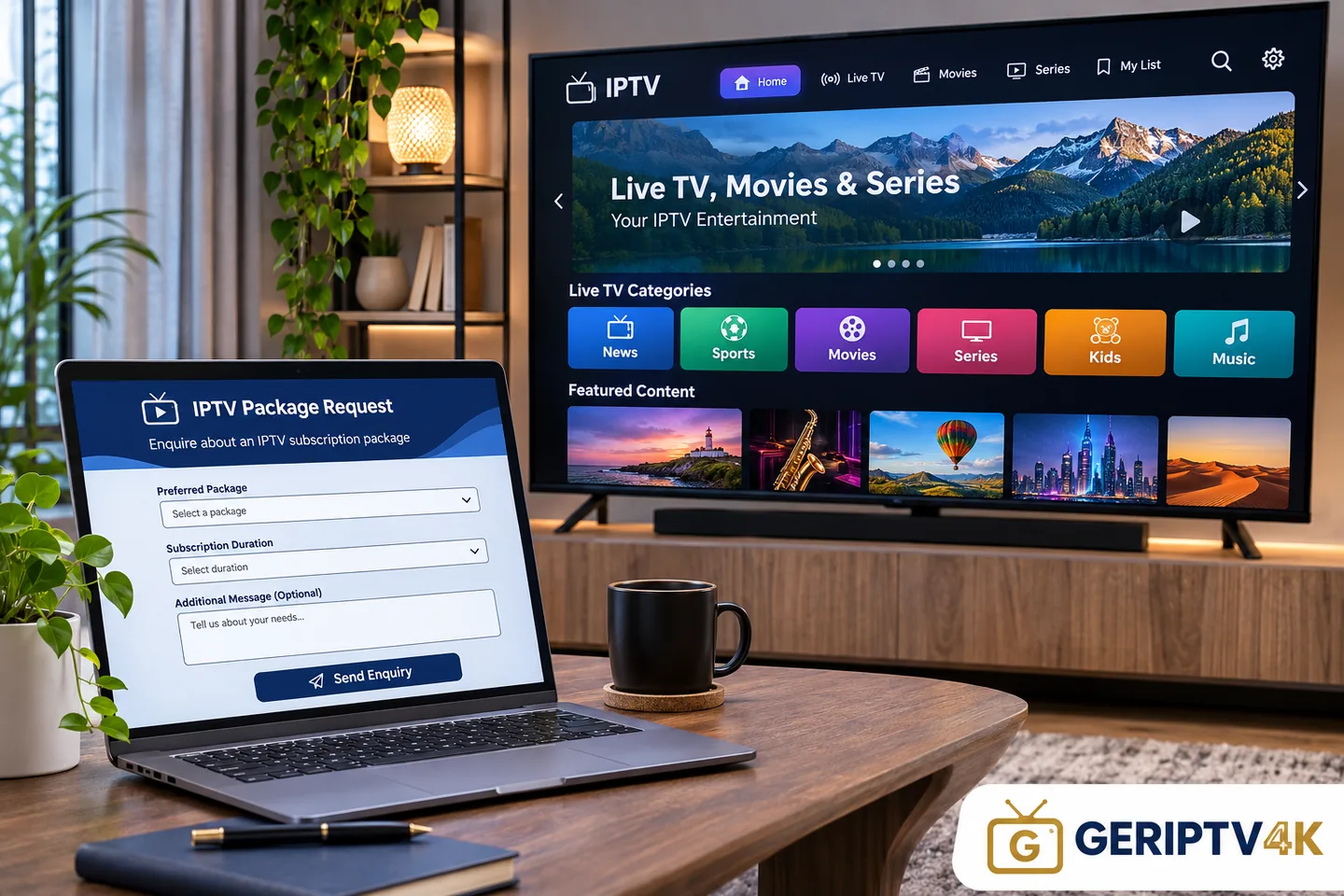
Once your collection and duration are clear, open the corresponding plan card on the pricing page. Check the selected package and total shown in the request form. Add the contact details requested, choose the device and player, and select your preferred payment method.
The request process is an enquiry rather than an immediate payment on the form. Review the prepared message and make sure the package, duration and price are correct before continuing to the contact destination. Ask support to confirm the collection, content requirements, connection allowance and activation steps before arranging payment.
The site’s order form offers payment preferences including PayPal, Visa, Mastercard, Bitcoin and bank transfer. Selecting a preference does not itself confirm that payment has been completed or that every method is available for every order. Obtain the current instructions through the verified support conversation. Never enter card numbers, payment passwords or wallet recovery phrases into an ordinary subscription enquiry.
24. Activation, renewals and useful support details
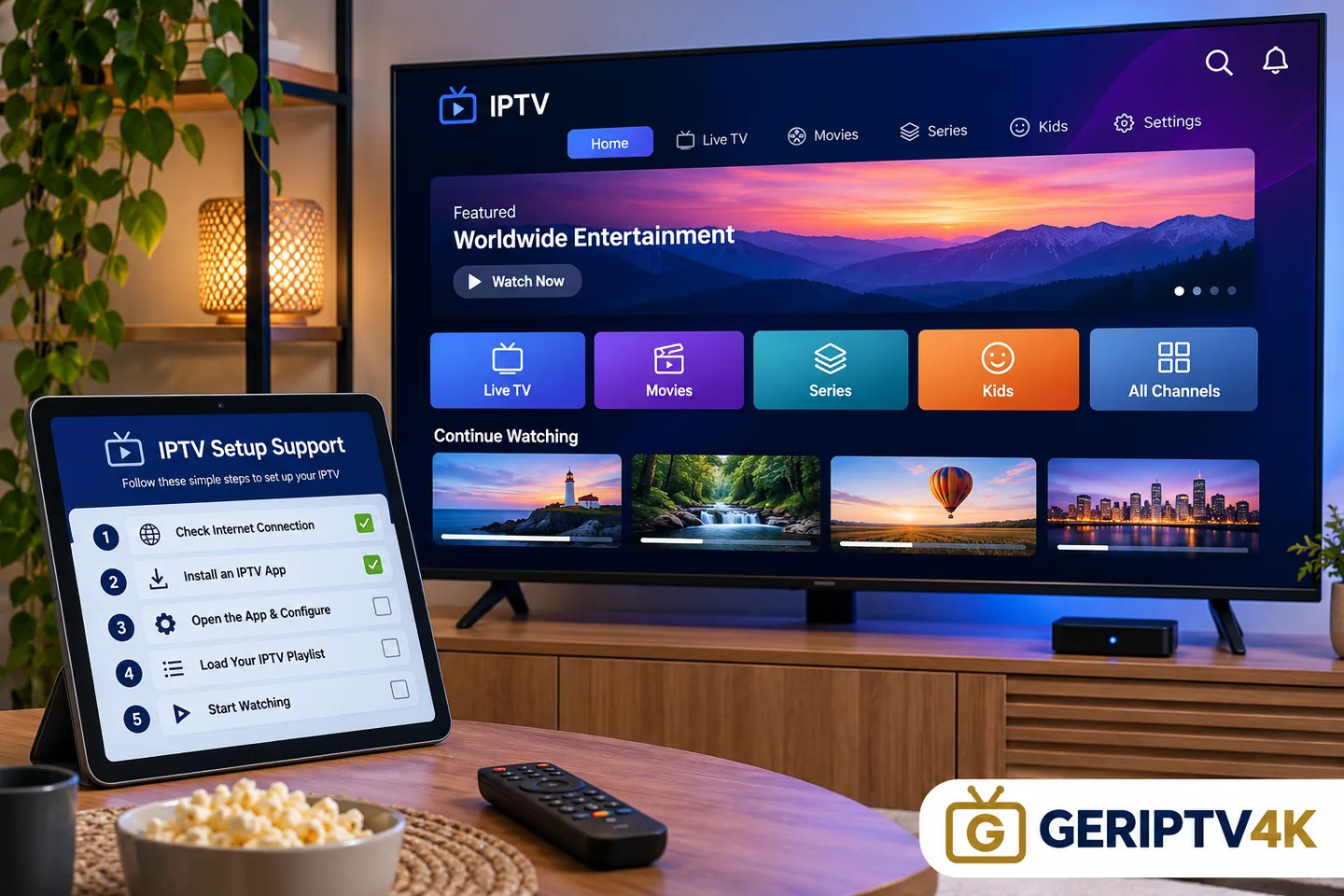
Before activation, check when the subscription period begins and what access details you will receive. Keep the confirmation and support route somewhere private. Follow the instructions for the player and device you selected, entering the supplied details carefully rather than guessing alternative server addresses or login formats.
After setup, open a small selection of your usual programmes and check picture, sound and navigation. Confirm the languages you need and organise favourites if the player supports them. If anything needs attention, report the exact device, app and message shown. A focused description helps support distinguish an account question from a player or home-connection issue.
For renewals, ask whether the existing setup can continue and confirm the next duration and total price. Review your viewing needs again before extending. A new television, a changed household or different language preferences may alter the most suitable collection. Do not assume automatic renewal, transfer rules or refund conditions; ask for the applicable terms before payment.
25. Your IPTV subscription checklist before ordering
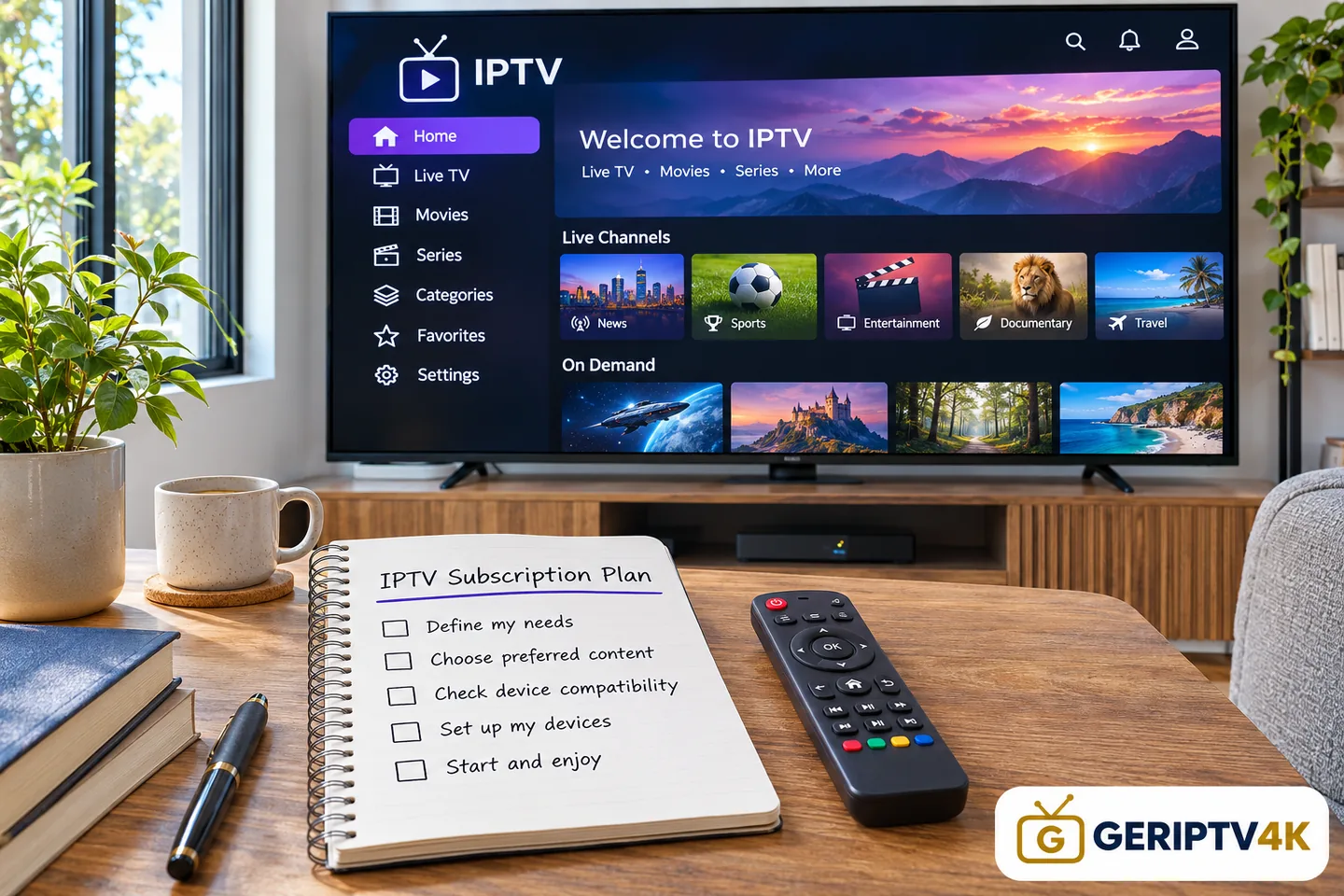
Use this checklist to make the final comparison concrete. If any answer remains uncertain, clarify it before choosing a longer duration.
- Collection: Is the request for IPTV Basic, IPTV Standard or IPTV Premium?
- Content: Have your essential channels, titles, seasons and languages been checked?
- Duration: Is the selected period 1, 3, 6 or 12 months?
- Price: Is the amount the full total, and are any separate player or hardware costs clear?
- Device: Has your exact model and operating system been confirmed?
- Player: Does it support the supplied access method, and does it need its own licence?
- Connections: How many streams are allowed at the same time, and under what conditions?
- Location: Is the service available for the place where you intend to use it?
- Activation: When does access begin, and which setup instructions apply?
- Renewal: Are the next steps, support route and applicable terms clear?
A useful comparison produces specific answers, rather than a longer list of advertising claims. GERIPTV4K’s plans, devices and contact pages bring those next steps together.
26. IPTV subscription questions answered
How much is a GERIPTV4K IPTV subscription?
At the price check on 15 November 2026, IPTV Basic starts at 13 € for one month, IPTV Standard at 18 € and IPTV Premium at 21 €. The three collections also have 3, 6 and 12-month options. See the full table above and confirm the latest totals on the live plans page before ordering.
Is the twelve-month price charged every month?
The prices in this guide are the displayed totals for the selected duration. For example, 47 € is the checked total for twelve months of IPTV Basic. Confirm the final payment amount and applicable conditions with support before paying.
Which IPTV package is best for me?
Choose according to confirmed content, languages, device compatibility and connection requirements. Ask about the same watch list for IPTV Basic, IPTV Standard and IPTV Premium. A higher price or a package name alone is not enough to establish the best match for your household.
Can I use an IPTV subscription on my Smart TV?
That depends on the television model, operating system, available player and supported access method. Send the exact model to support before purchasing a separate player licence. The devices page provides a useful starting point for the discussion.
Does an IPTV player include the subscription?
A player is software for accessing and displaying supported content. Its licence and your GERIPTV4K subscription are separate arrangements. Check the app publisher’s current terms and confirm that the player supports your supplied access details.
Can two televisions play at the same time?
Ask for the simultaneous-connection allowance of your exact package. Being able to install an app on two televisions does not establish permission for two concurrent streams. Explain your intended household setup before ordering.
Is every programme available in 4K?
No universal 4K claim should be inferred from a package’s quality labels. Available quality depends on the individual source and your setup. Ask about the programmes that matter to you and use a compatible display and player.
Can I request German, French or Italian content?
Yes, you can ask support about those preferences. Confirm live channels, individual titles, audio tracks and subtitles separately. Availability can differ between collections and programmes, so provide specific examples from your watch list.
Does completing the order form take payment?
The form prepares a subscription enquiry. Review the message and confirm the package and payment instructions with GERIPTV4K. Do not send payment credentials or recovery phrases through an ordinary enquiry.
Where should I begin if I am new to IPTV?
Begin with your main screen and a short list of programmes and languages. Review the setup guide, confirm a suitable player, compare the collections and choose a duration after the practical details are clear. Keep your first configuration simple and record the verified support contact.
Choose your next IPTV subscription with clear information
A good subscription decision starts with the programmes you want and ends with a setup you understand. Compare IPTV Basic, IPTV Standard and IPTV Premium against your actual needs, check the full duration price, and confirm device, language and connection details before ordering.
Whether you are preparing an IPTV setup in Germany, Austria or Switzerland, geriptv4k.com brings the package, device and support pages into one place. Use this guide to prepare your questions, then check the current collection and conditions directly with GERIPTV4K.
Compare GERIPTV4K IPTV subscriptions or ask about your device and preferred programmes.